How Expiring File Share Links Work & Why They Matter
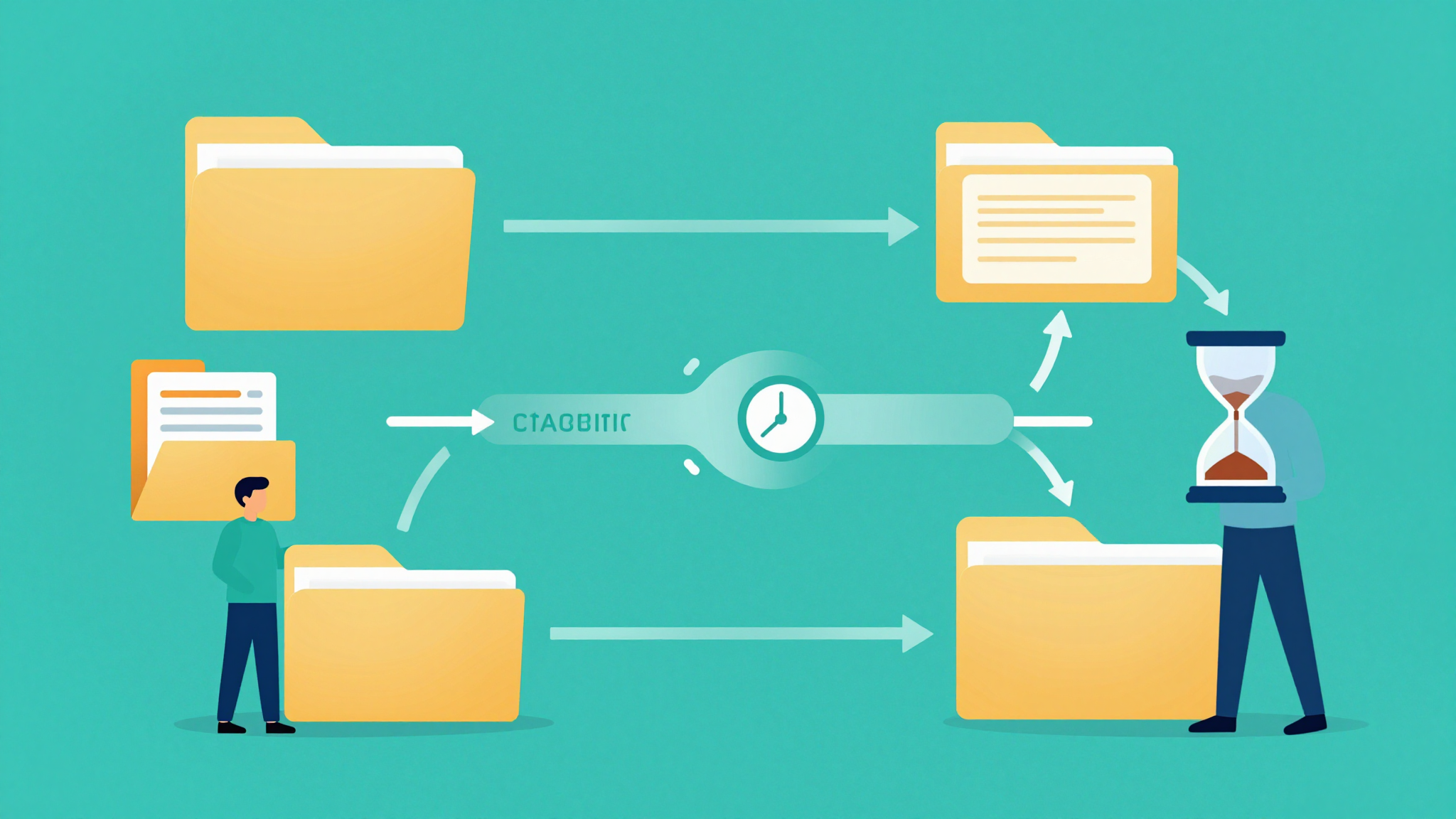
How Expiring File Share Links Work & Why They Matter
Learn how expiring file share links enhance security by automatically disabling access after a set time, ensuring sensitive data stays protected.
What is expiring file share links how they work?
Expiring file share links are a modern solution for securely sharing files with a built-in time limit. These links allow users to share documents, photos, or other files with others, but access is automatically revoked after a set period. This ensures sensitive information doesn’t remain accessible indefinitely.
💡 Key Insight: Expiring file share links how they work is essential for businesses and individuals who prioritize data security and control over shared content.
Here’s how expiring file share links work:
- You upload a file to a cloud storage or file-sharing platform.
- Generate a shareable link with an expiration date or time limit.
- Share the link with recipients via email, messaging, or other channels.
- Once the expiration date is reached, the link becomes invalid, and access is blocked.
This feature is particularly useful for sharing confidential documents, temporary project files, or time-sensitive materials. By understanding expiring file share links how they work, you can enhance your data security practices and maintain better control over shared resources.
Why expiring file share links how they work Matters
In today’s digital age, sharing files securely is more important than ever. Understanding expiring file share links how they work is crucial for protecting sensitive information and maintaining control over your data. These links are designed to automatically expire after a set period, ensuring that your files don’t remain accessible indefinitely.
💡 Key Insight: Expiring links add an extra layer of security by limiting the window of access, reducing the risk of unauthorized sharing or data breaches.
- Enhanced Security: Expiring links prevent prolonged access, minimizing exposure to potential threats.
- Control Over Data: You decide how long a file remains accessible, giving you full ownership of its lifecycle.
- Compliance: Many industries require strict data handling policies, and expiring links help meet these standards.
Whether you’re sharing confidential documents, client data, or personal files, leveraging expiring file share links how they work ensures your information stays protected. By automating the expiration process, you can focus on collaboration without worrying about lingering access.
🔒 Secure Sharing
Expiring links keep your files safe from unauthorized access.
⏳ Time-Saving
Automated expiration eliminates the need to manually revoke access.
Key Features to Look For
When choosing a solution for expiring file share links how they work, it’s essential to prioritize features that enhance security, usability, and control. Here’s what to consider:
- Customizable Expiration: Look for tools that let you set precise expiration times—whether hours, days, or weeks—to ensure files aren’t accessible indefinitely.
- Password Protection: Add an extra layer of security by requiring a password to access shared files, even with the link.
- Download Limits: Prevent abuse by restricting how many times a file can be downloaded before the link expires.
- Access Notifications: Get alerts when someone opens your shared file, so you know who’s viewed it and when.
- Revocable Links: The ability to manually disable a link before it expires adds flexibility.
💡 Key Insight: Expiring file share links work best when combined with granular controls—balancing convenience with security is key.
🔒 Encryption
End-to-end encryption ensures files stay secure in transit and at rest.
📊 Analytics
Track link performance with insights like IP addresses or download timestamps.
Understanding expiring file share links how they work helps you pick a solution that aligns with your security needs while simplifying file sharing.
How to Get Started with expiring file share links how they work
Expiring file share links are a secure and efficient way to share sensitive or time-sensitive files. If you're new to this concept, getting started is simpler than you might think. Here's a step-by-step guide to help you understand expiring file share links how they work and implement them effectively.
- Choose a Platform: Select a file-sharing service that supports expiring links, such as Google Drive, Dropbox, or specialized tools like WeTransfer.
- Upload Your File: Upload the file you want to share to the platform. Ensure it’s organized and labeled clearly.
- Generate the Link: Create a shareable link for the file. Look for the option to set an expiration date or time limit.
- Set Expiration Parameters: Define when the link should expire—whether it’s after a certain number of views, downloads, or a specific date.
- Share Securely: Share the link with your intended recipients via email, messaging apps, or other secure channels.
💡 Key Insight: Expiring file share links add an extra layer of security by ensuring your files are only accessible for a limited time, reducing the risk of unauthorized access.
By following these steps, you’ll quickly master the use of expiring file share links how they work, ensuring your files remain protected and accessible only when needed.
Best Practices for expiring file share links how they work
Expiring file share links are a powerful tool for secure file sharing, but using them effectively requires following best practices. Understanding expiring file share links how they work is essential to maximize their potential while ensuring data security and accessibility.
- Set Appropriate Expiration Times: Choose a duration that balances security and convenience. Too short, and recipients may struggle to access files; too long, and the risk of unauthorized access increases.
- Use Strong Passwords: When possible, add password protection to expiring links for an extra layer of security.
- Monitor Link Activity: Track who accesses the files and when to detect any suspicious behavior.
- Communicate Clearly: Inform recipients about the link’s expiration timeframe to avoid confusion.
💡 Key Insight: Expiring file share links are not just about limiting access—they’re about maintaining control over sensitive data and ensuring it doesn’t linger in the wrong hands.
By implementing these best practices, you can leverage expiring file share links effectively, ensuring your files remain secure and accessible only to authorized users.
Frequently Asked Questions
What is an expiring file share link?
An expiring file share link is a temporary URL that provides access to a file or folder for a limited period. Once the expiration date or time is reached, the link becomes invalid, and access is restricted.
How do expiring file share links work?
When you create an expiring file share link, you set a specific duration or expiration date. The link is generated and shared with recipients. After the set time passes, the link automatically deactivates, preventing further access to the file or folder.
Can I extend the expiration time of a file share link?
Yes, in most cases, you can extend the expiration time by updating the link settings before it expires. However, once the link has expired, it typically cannot be reactivated, and you may need to generate a new link.
Are expiring file share links secure?
Yes, expiring file share links add an extra layer of security by limiting access to a specific time frame. This reduces the risk of unauthorized access after the link expires, making them a safer option for sharing sensitive files.
What happens if someone tries to access an expired link?
If someone attempts to access an expired link, they will typically receive an error message indicating that the link is no longer valid. They will not be able to view or download the file unless a new link is provided.
Conclusion
Expiring file share links are a powerful tool for enhancing security and control when sharing sensitive documents. By setting a time limit, these links automatically deactivate after a specified period, reducing the risk of unauthorized access. Understanding expiring file share links how they work helps businesses and individuals safeguard their data without compromising convenience.
💡 Key Insight: Always pair expiring links with password protection or encryption for an extra layer of security.
- Ideal for confidential contracts, financial records, or time-sensitive projects.
- Customizable expiration periods ensure flexibility based on your needs.
- Works seamlessly across cloud storage platforms like Google Drive, Dropbox, and OneDrive.
Whether for personal or professional use, expiring file share links provide a simple yet effective way to balance accessibility and security in the digital age.
Get Started with How Expiring File Share Links Work & Why They Matter
Ready to take the next step? Learn how expiring file share links enhance security by automatically disabling access after a set time, ensuring sensitive data stays protected.
Join thousands of users who trust fii.one for fast, private cloud storage.
Get Started Free →fii.one Team
The fii.one blog brings you guides, tips, and insights on file storage, sharing, and productivity.
← Previous
How to Securely Delete Files from the Cloud | Complete Guide
Next →
Is Unlimited Cloud Storage Real? Truth Revealed
Related Articles

Best File Hosting Search Engines: Find Files Fast in 2026
11 min read

How to Search Files Across MediaFire, Mega & Google Drive in One Place
3 min read

Best Enterprise Dropbox Alternative for Secure File Sharing
8 min read

Understanding Airdrop File Size Limits: What You Need to Know
4 min read