How to Securely Delete Files from the Cloud | Complete Guide

How to Securely Delete Files from the Cloud | Complete Guide
Learn the best methods to securely delete files from the cloud to protect your data privacy and prevent unauthorized access. Follow our step-by-step guide.
What is how to securely delete files from the cloud?
When you delete a file from your cloud storage, it might not be gone forever. Many cloud services retain deleted data temporarily—or even indefinitely—for backup or compliance purposes. Learning how to securely delete files from the cloud ensures sensitive information is permanently erased, reducing the risk of unauthorized recovery.
💡 Key Insight: Secure deletion goes beyond the "Delete" button—it involves overwriting data, adjusting retention policies, or using specialized tools to prevent recovery.
Here’s why standard deletion isn’t enough:
- Recycle bins/trash folders temporarily hold deleted files.
- Versioning systems may retain older copies of modified or deleted files.
- Backup snapshots can restore data even after deletion.
To truly erase files, you may need to manually purge backups, disable versioning, or use a cloud provider’s "permanent deletion" feature. For maximum security, encrypt files before uploading—this ensures even residual data remains unreadable.
🔐 Pro Tip
Check your cloud provider’s documentation for secure deletion steps—each platform handles it differently.
Why how to securely delete files from the cloud Matters
In today’s digital world, simply deleting a file from your cloud storage isn’t enough to ensure it’s gone forever. Many users assume that hitting "delete" erases data permanently, but remnants often linger on servers, creating security and privacy risks. Understanding how to securely delete files from the cloud is essential for protecting sensitive information and maintaining control over your digital footprint.
💡 Key Insight: Cloud providers often retain deleted files in backups or temporary storage, meaning unauthorized parties could recover them if proper deletion protocols aren’t followed.
- Prevent Data Breaches: Sensitive documents, financial records, or personal photos could be exposed if improperly deleted.
- Compliance Requirements: Industries like healthcare and finance require strict data deletion to meet legal standards (e.g., GDPR, HIPAA).
- Free Up Storage Efficiently: Some providers charge for unused storage—secure deletion ensures no hidden files inflate costs.
Whether you’re an individual safeguarding personal data or a business handling client information, mastering how to securely delete files from the cloud is a critical step in modern cybersecurity hygiene. Don’t leave your privacy to chance—take proactive measures to erase data beyond recovery.
🔒 Privacy First
Secure deletion prevents unauthorized access to outdated or sensitive files.
📉 Avoid Legal Risks
Non-compliance with data protection laws can lead to hefty fines.
Key Features to Look For
When learning how to securely delete files from the cloud, it’s essential to choose tools and services that prioritize data privacy and security. Not all cloud storage providers offer the same level of protection, so here are the key features to look for:
- Permanent Deletion – Ensure the service doesn’t just move files to a "trash" folder but permanently removes them from servers.
- Encryption Support – Files should be encrypted before deletion to prevent unauthorized recovery, especially in shared or multi-tenant cloud environments.
- Compliance Certifications – Look for providers that adhere to standards like GDPR, HIPAA, or ISO 27001, ensuring strict deletion protocols.
- Automated Wiping – Some services offer scheduled or automated secure deletion, reducing the risk of human error.
- Audit Logs – Detailed logs of file deletions help track actions and verify that data removal was completed securely.
💡 Key Insight: Even after deletion, residual data fragments may linger in cloud backups. Opt for providers that offer "zero-knowledge" encryption, ensuring only you control access to your files.
🔐 Multi-Step Verification
Extra authentication steps before deletion prevent accidental or malicious file removal.
🔄 Overwriting Capabilities
Advanced tools overwrite deleted files with random data, making recovery impossible.
By prioritizing these features, you’ll ensure your approach to how to securely delete files from the cloud is both effective and compliant with modern security standards.
How to Get Started with how to securely delete files from the cloud
Securely deleting files from the cloud is essential for protecting sensitive data from unauthorized access. Unlike simply moving files to the trash, secure deletion ensures they cannot be recovered. Here's how to get started:
- Identify the files: Locate the files or folders you want to delete permanently.
- Check cloud provider policies: Some services offer built-in secure deletion tools, while others require additional steps.
- Use encryption: Encrypt files before uploading them to the cloud—this adds an extra layer of security.
- Permanent deletion: Empty the trash/recycle bin after deleting files to prevent recovery.
💡 Key Insight: Some cloud services retain deleted files for a limited time. Always verify if your provider allows immediate permanent deletion.
Learning how to securely delete files from the cloud ensures your data remains private. For added security, consider third-party tools that overwrite or shred files before deletion.
🔒 Encrypt First
Encrypting files before upload makes secure deletion more effective.
🔄 Overwrite Data
Use tools that overwrite files multiple times to prevent recovery.
Best Practices for how to securely delete files from the cloud
When learning how to securely delete files from the cloud, simply hitting "delete" isn’t always enough. Many cloud services retain backups or cached copies, leaving sensitive data vulnerable. Follow these best practices to ensure your files are permanently and securely erased.
- Permanently delete, don’t just trash: Use the "permanent delete" or "empty trash" option in your cloud service to bypass recovery.
- Check version history: Some platforms (like Google Drive) save file versions—delete these individually.
- Encrypt before upload: Protect files with encryption; even if remnants exist, they’ll be unreadable.
- Review third-party backups: Apps syncing to your cloud (e.g., mobile galleries) may retain copies.
- Contact support for compliance: For highly sensitive data, request confirmation of deletion from your provider.
💡 Key Insight: Cloud providers like AWS and Azure offer "immutable storage" or retention policies—adjust these settings to auto-purge files after a set period.
By combining these steps, you can minimize risks when deleting cloud files. Always verify your provider’s policies, as methods vary across platforms like Dropbox, iCloud, or OneDrive.
Frequently Asked Questions
Does deleting a file from the cloud permanently erase it?
No, deleting a file from the cloud often moves it to a trash or recycle bin. To permanently erase it, you must empty the bin or use secure deletion tools provided by your cloud service.
How can I ensure my files are securely deleted from the cloud?
Use your cloud provider's secure deletion feature, if available. Alternatively, encrypt your files before uploading them and delete the encryption key after deletion to render the files unreadable.
Can cloud providers recover deleted files?
Some cloud providers retain backups of deleted files for a limited time. Check your provider’s policies and request permanent deletion if necessary.
Are there third-party tools for securely deleting cloud files?
Yes, there are third-party tools designed to securely delete files from the cloud. However, always verify their reliability and compatibility with your cloud service before use.
Conclusion
Securely deleting files from the cloud is a critical step in protecting your sensitive data from unauthorized access. While cloud providers offer deletion options, true security requires extra steps like encryption, manual overwriting, or using specialized tools.
💡 Key Insight: Simply moving files to the trash isn’t enough—permanent deletion often depends on the provider’s policies and your proactive measures.
- Always verify deletion by checking backups or synced devices.
- Use zero-knowledge encryption for an added layer of security.
- Review your cloud provider’s data retention policies to ensure compliance.
By following these best practices on how to securely delete files from the cloud, you can minimize risks and maintain control over your digital footprint. Stay vigilant and prioritize data security!
Get Started with How to Securely Delete Files from the Cloud | Complete Guide
Ready to take the next step? Learn the best methods to securely delete files from the cloud to protect your data privacy and prevent unauthorized access. Follow our step-by-step guide.
Join thousands of users who trust fii.one for fast, private cloud storage.
Get Started Free →fii.one Team
The fii.one blog brings you guides, tips, and insights on file storage, sharing, and productivity.
← Previous
Best Cloud Storage Solutions for Raw Photo Files in 2024
Next →
How Expiring File Share Links Work & Why They Matter
Related Articles
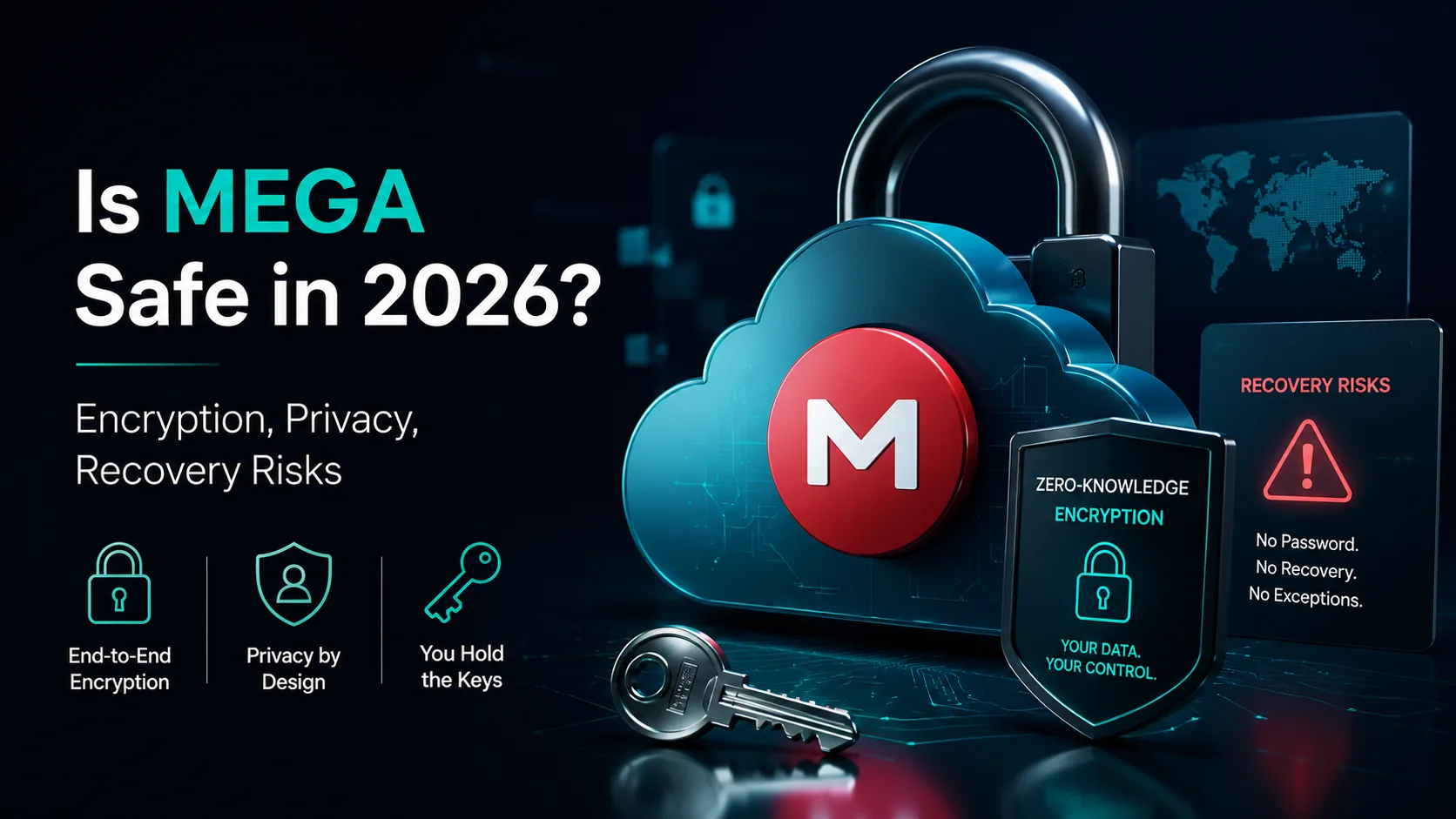
Is MEGA Safe in 2026? Encryption, Privacy & Security Verdict
7 min read
Does Microsoft Scan Your OneDrive Files? The Answer Is More Nuanced Than You Think
4 min read
Is iCloud Really Private? The Honest Answer About Apple's Data Practices
5 min read
Best Encrypted Cloud Storage in 2026: Real Zero-Knowledge Options Ranked
8 min read