pCloud Crypto vs Zero-Knowledge Storage: What You Are Actually Paying For
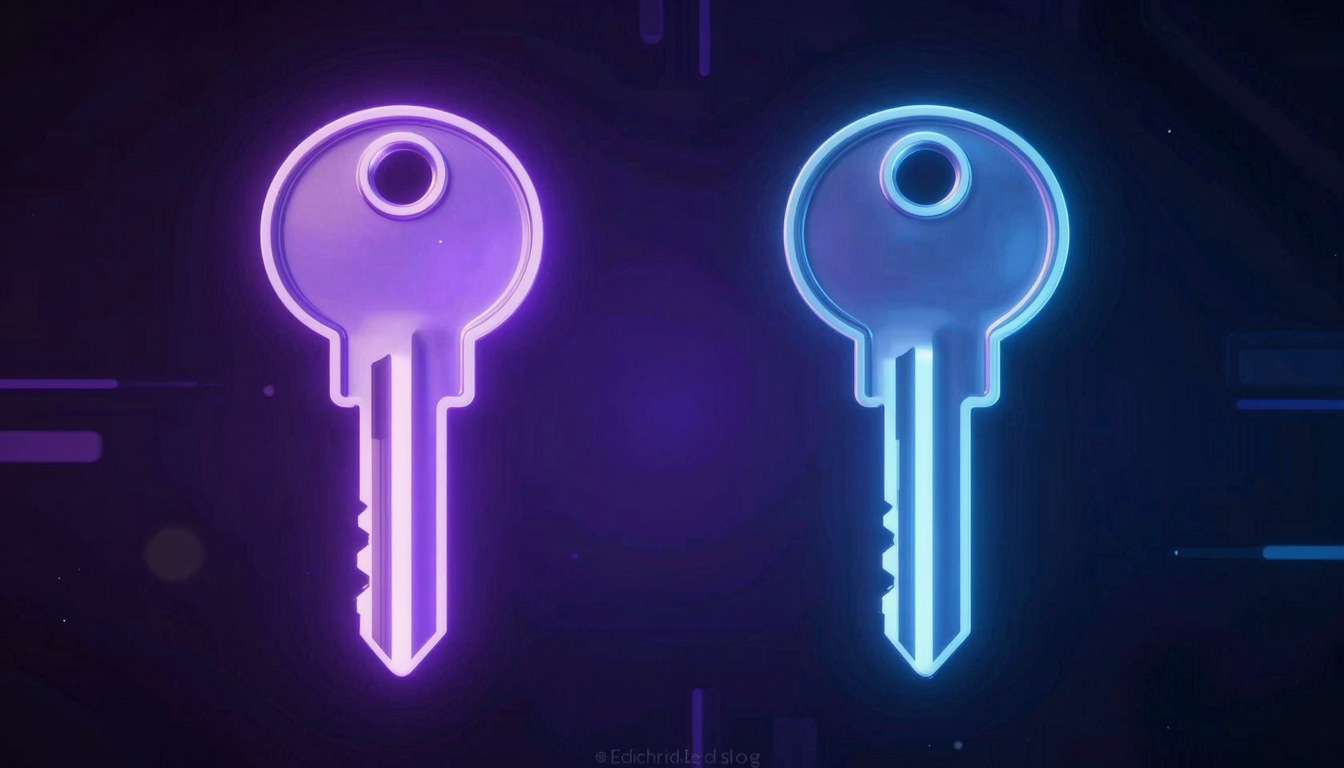
pCloud Crypto vs Zero-Knowledge Storage: What You Are Actually Paying For
pCloud has two encryption products: the standard plan and the Crypto add-on. The naming creates confusion. This is a precise breakdown of what each actually does, and why the distinction matters more than the marketing suggests.
Extra for standard encryption — is included in every plan
pCloud Crypto add-on per month on top of your storage plan
fii.one total — unlimited storage with zero-knowledge included
The confusion pCloud created
pCloud calls its zero-knowledge encryption product "pCloud Crypto." The word "crypto" in the name implies that the base product is not encrypted — which is not true. Both the standard pCloud plan and the Crypto add-on use encryption. The difference is who holds the keys.
This naming choice is not accidental. "Crypto" sounds like a more secure version of the same product, which makes the add-on feel like an upgrade rather than a correction to a privacy limitation. That framing has a cost: users who do not pay for Crypto are often operating under the assumption that their files are more private than they actually are.
💡 Key Insight: pCloud standard uses provider-controlled encryption — pCloud holds the keys. The Crypto add-on switches to zero-knowledge — you hold the keys. These are architecturally different products, not two versions of the same product.
What pCloud standard encryption actually means
pCloud's standard plan encrypts your files on the server. This is real encryption — it protects your files from outside attackers who might compromise pCloud's infrastructure. If someone hacks pCloud's servers, your files appear as encrypted data without the decryption key.
But pCloud holds the encryption keys. This means pCloud can access your files. Their terms of service, legal obligations, and internal policies determine whether they actually do — but the architectural capability exists. Your files are encrypted from the outside world. They are not encrypted from pCloud.
This is the same model used by Dropbox, Google Drive, OneDrive, and iCloud. It is a reasonable security model. It is not a privacy model.
What pCloud Crypto actually means
pCloud Crypto is a separate product that runs on top of your storage plan. When enabled, files are encrypted client-side before upload, and pCloud does not hold the decryption keys. Only you do. This is genuine zero-knowledge encryption — the same architectural model used by fii.one and MEGA.
The Crypto add-on is a real product with a real implementation. But it is important to understand what it does not include: it does not change the storage limit, the sharing features, or the sync performance. It only changes the encryption model.
The pricing problem with pCloud Crypto
pCloud Crypto is not included in the storage plan. It is an additional subscription — approximately $5.99/month on top of whatever storage tier you are paying for. This creates a pricing structure that is harder to evaluate than it appears:
- pCloud 2TB lifetime plan: ~$350 one-time
- pCloud Crypto add-on: ~$5.99/month — $71.88/year — $719 over 10 years
- Total cost of pCloud with Crypto over 10 years: ~$1,069
- fii.one unlimited with zero-knowledge: $4.99/month — $599.88 over 10 years
The Crypto add-on is not a minor additional cost. Over a decade, it often costs more than the storage plan itself. When you add the Crypto cost to the lifetime plan, the total cost is significantly higher than fii.one's flat unlimited model — and fii.one includes zero-knowledge by default.
When pCloud Crypto makes sense
- You have already committed to pCloud's lifetime plan and want to add privacy on top
- You specifically want pCloud's app ecosystem and sync features and are willing to pay for Crypto separately
- You understand the total cost (storage + Crypto) and have decided it fits your budget
When to look elsewhere
- You want zero-knowledge encryption without paying for it as a separate add-on
- You want unlimited storage, not a 2TB ceiling
- You want the simplest possible pricing model — one number, everything included
- You want privacy-first storage as the default, not as an optional upgrade
Compare: fii.one vs pCloud.
Frequently asked questions
Is pCloud standard encryption private?
pCloud standard encryption is not private in the sense that pCloud can access your files. Your files are encrypted from outside attackers, but pCloud holds the keys and can access the content. For actual privacy, you need pCloud Crypto or a provider that is zero-knowledge by default.
Is pCloud Crypto worth the extra cost?
pCloud Crypto is worth the extra cost only if you specifically want pCloud's product ecosystem and are committed to their platform. For most users who want zero-knowledge privacy, fii.one at $4.99/month with zero-knowledge included is a simpler and often less expensive option over time.
What is the difference between pCloud Crypto and standard pCloud?
pCloud standard uses provider-controlled encryption — pCloud holds the keys. pCloud Crypto uses zero-knowledge encryption — you hold the keys. The Crypto add-on changes who controls the encryption keys, not the fact of encryption itself.
Does fii.one include zero-knowledge encryption?
Yes. fii.one includes zero-knowledge end-to-end encryption by default — not as an add-on, not as a separate product. It is part of the core architecture at no additional cost.
Zero-knowledge included, not add-on
If you want zero-knowledge encryption included in the base product without a separate add-on subscription, see fii.one pricing. For a direct comparison with pCloud, see fii.one vs pCloud.
Join thousands of users who trust fii.one for fast, private cloud storage.
Get Started Free →fii.one Team
The fii.one blog brings you guides, tips, and insights on file storage, sharing, and productivity.
← Previous
Is pCloud Lifetime Plan Worth It in 2026? The Math That Matters
Next →
Is MEGA Safe in 2026? Encryption, Privacy & Security Verdict
Related Articles
Is MEGA Safe in 2026? Encryption, Privacy & Security Verdict
7 min read
Does Microsoft Scan Your OneDrive Files? The Answer Is More Nuanced Than You Think
4 min read
Is iCloud Really Private? The Honest Answer About Apple's Data Practices
5 min read
Secure File Sharing in 2026: 6 Ways Files Leak and How to Stop Each
5 min read