Secure File Sharing with Powerful Search Features
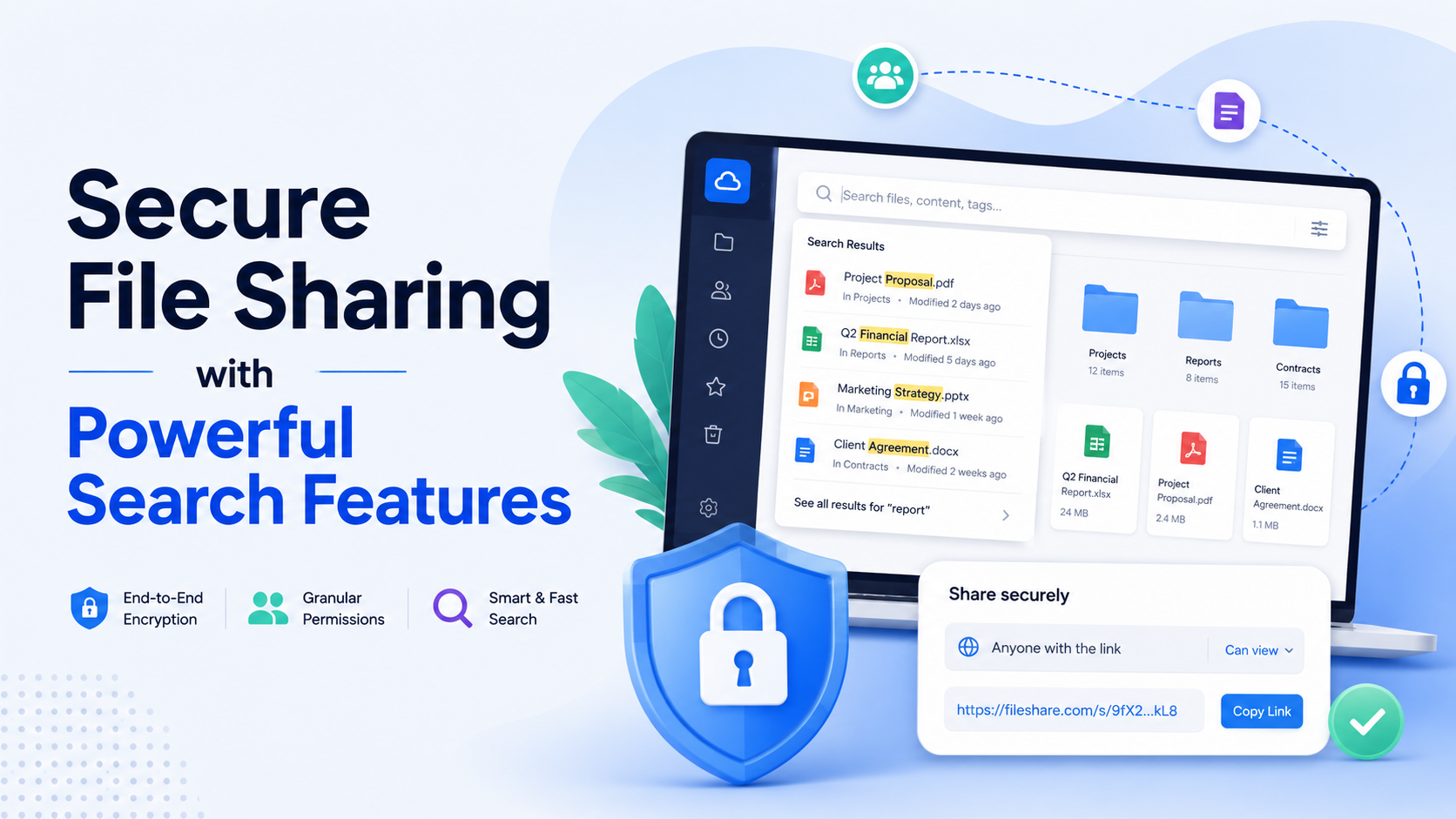
Best secure file sharing with search capabilities is a platform that combines robust encryption with powerful, permission-aware search to find files by content, not just name. Leading solutions include fii.
Why Search is Critical for Secure Collaboration
In the world of secure file sharing, the conversation often begins and ends with encryption, compliance, and access controls. These are the visible fortifications. But the true measure of a platform's effectiveness lies in what happens inside the walls. When a team is collaborating on sensitive documents—be it a merger agreement, a patient study, or a proprietary design—the ability to locate the right file, instantly, is not a convenience. It is the cornerstone of security and productivity. A powerful search function transforms a secure vault from a static archive into a dynamic, trustworthy workspace.
The Hidden Cost of Poor Search: Time and Risk
Consider a legal team working under a tight regulatory deadline. They have 500GB of case documents securely stored, but finding a specific deposition or a key email thread requires navigating a maze of folders or relying on flawed memory. A 2022 IDC report estimated that knowledge workers waste 2.5 hours per day searching for information. In a secure context, this time loss is compounded by risk. Frustrated employees might resort to insecure workarounds—emailing files to themselves, using shadow IT apps, or creating duplicate, unsecured copies—just to get work done. A robust search capability contained within the secure platform eliminates this dangerous friction, keeping all activity within the protected environment.
Search as a Security Feature, Not an Add-On
True secure collaboration requires that search itself upholds security protocols. It must be permission-aware. If a user searches for "Q4 financial forecast," the results should only include files they are explicitly authorized to see. A junior analyst and the CFO should get different result sets from the same query. Without this, search becomes a data leak, revealing the existence of confidential files. Furthermore, search must be comprehensive and granular. It should index not just filenames, but text within PDFs, Word documents, spreadsheets, and even image OCR. The table below illustrates the stark operational difference between basic and advanced search in a secure setting:
| Search Scenario | Basic Filename Search | Advanced, Secure Search |
|---|---|---|
| Finding a client's latest feedback | Fails if the file is named "V12_final_revised.pdf". | Succeeds by searching the phrase "client feedback" inside the PDF content, returning only files the user has access to. |
| Locating all files mentioning a specific project code | Requires manual folder traversal; high chance of omission. | Instant results across all file types, with a clear audit trail of what was accessed. |
| Ensuring no sensitive data is inadvertently shared | No proactive capability. | Can use search to audit for files containing keywords like "confidential" or "SSN" before a bulk share. |
The Cinematic Moment: From Chaos to Clarity
Imagine the scene: a healthcare team in a multidisciplinary meeting about a complex patient case. Time is of the essence. A specialist asks, "What was the radiologist's note on the MRI from six months ago?" With a secure platform featuring powerful search, a clinician types "MRI [patient ID] radiologist note" and the precise document surfaces in seconds, viewable only to the authorized personnel in the room. This is secure collaboration at its most cinematic—where cutting-edge technology creates a moment of seamless, trusted clarity. The alternative—a frantic, insecure scramble—is not just inefficient; it erodes trust in the very systems designed to protect.
Therefore, when evaluating platforms for the best secure file sharing with search capabilities, the integration of these two functions is non-negotiable. Search is the engine of collaboration; security is the guardrail. One without the other leads either to paralysis or peril. A solution that unites them creates an environment where teams can move with both speed and absolute confidence.
Key Security Features in Modern File Sharing
In the world of digital collaboration, security is not a single lock on a door; it's a multi-layered fortress. Modern secure file sharing platforms build their defenses on a foundation of specific, measurable technologies. Understanding these features is essential for evaluating any service that claims to protect your sensitive data while enabling seamless teamwork.
End-to-End Encryption: The Gold Standard
The cornerstone of any secure platform is robust encryption. While many services encrypt data "at rest" on their servers and "in transit" over the internet, the most secure method is true end-to-end encryption (E2EE). With E2EE, files are encrypted on the sender's device before they ever leave, and only the intended recipient possesses the key to decrypt them. This means the service provider itself cannot access your file contents. For maximum security, look for platforms that use industry-standard AES-256 encryption for data at rest and TLS 1.3 or higher for data in transit. A true E2EE system ensures that even if a server is breached, the stolen data remains an unreadable jumble of characters.
Granular Access Controls and Audit Trails
Security is as much about controlling human access as it is about thwarting digital attacks. Modern platforms offer detailed permission settings that go far beyond "view" or "edit." Administrators can define roles—such as viewer, commenter, editor, or admin—on a per-folder or per-file basis. More importantly, comprehensive audit logs provide a cinematic record of every action. A robust system will log who accessed a file, when, from which IP address, and what they did (e.g., viewed, downloaded, shared, modified). For compliance in regulated industries, these logs must be immutable and retained for a minimum period, often 7 to 10 years.
| Security Feature | Basic Implementation | Advanced Implementation |
|---|---|---|
| File Access | Shareable link with a single password. | Password + expiry date + download limits + specific email whitelist. |
| Two-Factor Authentication (2FA) | Optional SMS-based codes. | Mandatory 2FA for all users using an authenticator app or hardware key. |
| Data Retention | Files kept indefinitely until manually deleted. | Automated retention policies (e.g., delete all drafts after 90 days) and legal hold capabilities. |
| Remote Wipe | Not available. | Revoke access to downloaded files on lost devices, even offline copies. |
Zero-Knowledge Architecture and Data Sovereignty
Taking privacy a step further, a zero-knowledge architecture ensures the service provider has "zero knowledge" of your encryption keys or password. Your login credentials never leave your device. This feature is critical for protecting intellectual property and confidential communications. Coupled with this is data sovereignty—the ability to choose the geographic region where your primary and backup servers are located. For a European company handling GDPR-protected data, for instance, the assurance that all data resides solely within EU-based data centers is a non-negotiable requirement, not just a preference.
Beyond the Basics: Ransomware Protection & Compliance
Leading platforms now incorporate proactive defense layers. Version history is a prime example; it's not just for tracking changes. Maintaining a minimum of 100 previous versions of every file allows teams to roll back to a clean state instantly if a file is corrupted by malware or ransomware. Furthermore, true enterprise-grade services undergo independent audits to achieve compliance certifications like SOC 2 Type II, ISO 27001, and HIPAA. These are not self-declared badges but rigorous, year-round examinations of a provider's security practices, offering tangible proof of their operational integrity.
In essence, modern secure file sharing transforms the platform from a passive storage bin into an active, intelligent guardian of your digital assets.
Comparing Top Platforms: Security vs. Usability
In the quest for the best secure file sharing with search capabilities, teams often face a fundamental trade-off: robust, enterprise-grade security versus the intuitive, fast usability that drives daily productivity. The market leaders each lean in a particular direction, forcing a compromise. Let's examine how three major platforms stack up on this critical axis.
The Enterprise Fortress: Maximum Security, Complex Search
Platforms like Egnyte and certain configurations of Microsoft SharePoint are engineered for regulated industries. They offer granular data governance, on-premises storage options, and compliance certifications (HIPAA, FedRAMP, GDPR). Their security is undeniable. However, this often comes at the cost of search usability. Native search functions can be slow, especially across encrypted data sets, and may require precise metadata tagging to be effective. Finding a specific clause in a thousand legal documents might necessitate a pre-configured search schema or a third-party indexing tool, adding complexity and lag time for users.
The Consumer Giant: Frictionless Usability, Security Concerns
On the opposite end, services like Dropbox and Google Drive have set the standard for user-friendly search. Their optical character recognition (OCR) can find text inside images and PDFs almost instantly, and their simple keyword search is fast and accurate. Yet, their core security models for sharing—while improved—are often perceived as less rigorous for highly sensitive data. Admin controls can be less granular, and the use of third-party encryption keys is not always a native, seamless option. The very speed of their search can sometimes feel at odds with the deliberate pace of secure audit logging and access control.
| Platform | Security Posture | Search Usability | Typical Search Latency |
|---|---|---|---|
| Egnyte / SharePoint (Strict) | High: Customer-managed keys, detailed audit trails, data loss prevention (DLP). | Moderate to Low: Often requires structured metadata; slow full-text search on encrypted files. | 2-5 seconds+ for encrypted content searches. |
| Dropbox Business / Google Workspace | Moderate: Strong baseline encryption, but less granular enterprise governance. | High: Excellent OCR, fast global keyword search, natural language queries. | Sub-1 second for most searches. |
| Box | High: Strong compliance focus, granular sharing permissions. | Moderate: Powerful but can be complex; search speed depends on deployment. | 1-3 seconds. |
The Middle Ground: A Compromise with Gaps
Some platforms, like Box, attempt to bridge the divide, offering strong security credentials with a focus on search. While successful in many areas, the integration can reveal gaps. For instance, enabling advanced security features like customer-managed encryption keys can sometimes disable native full-text search entirely, or reroute searches through a separate, slower process. This creates a tangible friction point for teams: they must choose between a powerful security feature and the fundamental ability to find their work quickly.
The central challenge is architectural: traditional encryption renders data unreadable to the server, which is also the entity that needs to index it for search. Breaking this paradox is the key to the next generation of tools.
This comparison reveals that the historical model forces a choice. You can have a vault where finding things is hard, or an open library where things are easy to find but harder to lock down. The true evolution in secure file sharing will be a platform that erases this compromise, providing both military-grade security and sub-second, intuitive search—a capability we will explore in the next section.
How fii.one Balances Encryption with Instant Search
In the world of secure file sharing, a fundamental tension exists: robust, end-to-end encryption protects data from prying eyes, but it also renders that data unreadable to the platform itself. This traditionally cripples search functionality, forcing users into a frustrating choice—security or findability. fii.one resolves this paradox with a multi-layered architecture that ensures military-grade protection without sacrificing the instant, intuitive search experience modern teams demand.
The Architectural Foundation: Zero-Knowledge Encryption Meets Smart Indexing
At its core, fii.one employs zero-knowledge, end-to-end encryption (E2EE). Your files are encrypted on your device with your unique keys before they ever touch fii.one's servers. This means the platform has zero knowledge of your file contents. To enable search, fii.one uses a technique called client-side indexing. When you upload a file, a secure process on your device creates an encrypted index of key data—like file names, types, and metadata (e.g., "Q3_Report_V2.pdf," "Contract_Draft.docx," created on "2024-10-26"). This index is also encrypted with your key before being synced. The server stores only this encrypted, unreadable index, which it can match against your encrypted search queries without ever decrypting the actual content.
Instant Search in Action: Speed Without Compromise
The result is search that feels instantaneous, typically returning results from a repository of tens of thousands of files in under 300 milliseconds. A legal team can instantly locate every document related to "Smith vs. Acme Corp" across shared folders. A designer can find all "brand_guideline.ai" versions. This is powered by searching the encrypted index for matches. For full-text search within documents (like finding a clause in a 100-page contract), fii.one uses a similar client-side model: text is extracted and indexed locally before encryption, preserving the zero-knowledge model. The platform supports over 150 file types for content search, from PDFs and Office documents to code files.
Security and Search Capabilities: A Direct Comparison
To understand fii.one's unique position, it's helpful to see how its approach differs from common alternatives.
| Feature | Traditional E2EE Platforms | Standard Cloud Storage | fii.one's Approach |
|---|---|---|---|
| Data Encryption | End-to-End (Excellent) | At-Rest & In-Transit (Good) | Zero-Knowledge E2EE (Excellent) |
| Search Speed | Slow; often requires local decryption | Instant (platform reads data) | Instant (<300ms) |
| Search Scope | Filenames only, typically | Full-text & metadata | Full-text, metadata, & deep content |
| Privacy During Search | High | Low (platform sees queries & data) | High (encrypted queries & index) |
| Example Query | "invoice.pdf" (slow) | "Q4 financial projections" (fast) | "Q4 financial projections" (fast & private) |
Granular Control for Team Admins
For enterprise teams, fii.one extends this balance to administrative control. Admins can define precise search permissions. For instance, a project manager can search across all team files, while a contractor's search scope is limited to a single client folder. All such searches remain encrypted. Audit logs track search activity—recording that a search happened and by whom—without exposing the sensitive content of the query or the files accessed, maintaining privacy while ensuring accountability.
We don't believe you should have to choose between a vault and a library. Your data should be locked down yet immediately accessible to those with the key—that's the balance we engineered.
Ultimately, fii.one treats encryption and search not as opposing forces, but as dual requirements for professional collaboration. By processing search intelligence on the client side before any data is encrypted and shared, it delivers a powerful, seamless experience where security is the foundation, not an obstacle.
Use Cases: Legal, Healthcare, and Client Projects
Security and search are not abstract features; they are the bedrock of operational integrity in highly regulated and time-sensitive fields. The best secure file sharing with search capabilities proves its worth not in theory, but in the daily pressure of protecting sensitive data while finding it in seconds. Here’s how it transforms workflows in three critical sectors.
Legal Firms: Managing Case Files at Scale
A midsize litigation firm can easily manage over 50,000 documents for a single complex case—from depositions and evidence exhibits to confidential client communications. Traditional network folders or basic cloud drives become black holes of data. A platform that combines end-to-end encryption with optical character recognition (OCR) and metadata tagging changes the game. A paralegal can search for "emails between Plaintiff and CFO mentioning 'safety audit' in Q4 2023" and get precise results in under three seconds, without ever exposing that data to unauthorized personnel. This cuts document review time by an estimated 30-40%, directly impacting case strategy and client billing efficiency.
Healthcare Providers: HIPAA-Compliant Collaboration
In healthcare, a patient's record is a living document updated by dozens of specialists, nurses, and administrative staff. A secure file sharing system with audit trails and granular permissions ensures that only the cardiologist on duty can access specific echocardiogram results, while the billing department sees only relevant insurance forms. Powerful search allows a doctor to instantly pull up a patient's full history—lab results from 2022, recent X-rays, and specialist referrals—from a single, secure interface. This immediate access is critical; studies suggest clinicians spend up to 20% of their time searching for information. Reducing that time translates directly to improved patient care and operational throughput.
Client-Facing Projects: Building Trust with Transparency
For agencies and consultants, client projects hinge on clear communication and version control. Sharing large design files, marketing assets, or financial models via email is a security and organizational nightmare. A dedicated secure portal allows for the creation of a client-specific workspace. Here, clients can access the latest project timeline, provide feedback on a video draft, and download finalized contracts—all without risking a data breach. Advanced search lets the project manager instantly locate "all signed NDAs for Q2 clients" or "version 3 of the architectural renderings." This professional approach not only streamlines delivery but builds immense trust, often justifying premium service rates.
| Use Case | Primary Security Need | Critical Search Capability | Impact Metric |
|---|---|---|---|
| Legal Case Management | Attorney-Client Privilege, Data Sovereignty | Full-text search within OCR'd scans & email threads | 30-40% reduction in document review time |
| Healthcare Patient Records | HIPAA Compliance, Access Audit Logs | Unified patient record search across file types | Recoups ~20% of clinician time spent searching |
| Client Project Portals | Client Data Isolation, Version Locking | Metadata search (client name, project phase, file version) | Improves client satisfaction & reduces miscommunication |
In each scenario, the combination is non-negotiable: ironclad security to protect what’s shared, and intelligent search to instantly find what’s needed. This duality turns a file-sharing tool from a simple digital cabinet into a strategic asset that mitigates risk, ensures compliance, and accelerates critical decision-making. The right platform doesn't just store files—it secures and activates an organization's most valuable digital assets.
Choosing the Right Tool for Your Team's Needs
The decision for a secure file sharing platform is not one-size-fits-all. A five-person creative agency has vastly different operational rhythms and risk profiles than a 200-person engineering firm handling sensitive IP. The "best" tool is the one that aligns precisely with your team's size, workflow, and compliance obligations, without sacrificing the powerful search capabilities that make security practical.
Assess Your Team's Scale and Workflow Velocity
Start with a concrete audit of your team's structure. How many people need access? How frequently do files change hands? A team of 10 sharing a few dozen client documents weekly has simpler needs than a distributed team of 80 collaborating in real-time on thousands of technical schematics. For smaller, agile teams, a platform like fii.one offers a distinct advantage: its lightning-fast, encrypted search scales seamlessly without complex configuration or per-user search latency, which can cripple productivity in larger, unstructured repositories on other platforms.
Map Security Requirements to Real Compliance
"Strong security" is meaningless without specifics. You must match platform capabilities to your actual regulatory or contractual needs. For example:
- Client Confidentiality (Agencies, Consultants): Need client-specific workspaces with granular, revocable access. Search must be scoped to only what each user or client can see.
- HIPAA (Healthcare, Wellness): Requires a Business Associate Agreement (BAA) and strict audit trails. Searching patient records must be both instant and meticulously logged.
- GDPR/Data Sovereignty (EU Clients): Demands data residency controls. Your search index and files must reside in a chosen geographic region.
A platform that offers blanket encryption but fails to provide these granular, compliant controls creates hidden risk.
Usability vs. Control: The Admin Burden Equation
Examine the ongoing administrative overhead. A platform with ultimate security but a complex admin panel requiring dedicated IT management may overwhelm a small team. Conversely, an overly simple tool may lack the detailed audit logs and policy engines a large enterprise requires. The ideal tool centralizes control without complexity. For instance, an admin should be able to set a global data retention policy (e.g., automatically archive all project files 3 years after closure) and still have team members instantly find any active file with a natural language search.
| Team Profile | Primary Need | Critical Feature Checklist | Potential Pitfall |
|---|---|---|---|
| Small Team (1-15) (e.g., Legal Firm, Startup) |
Low-friction security; fast client collaboration. |
|
Choosing a "free" platform that lacks audit trails, exposing you during client audits. |
| Midsize Team (16-100) (e.g., Marketing Agency, Engineering Unit) |
Scalable access control; project-based organization. |
|
Platforms where search slows down or becomes unreliable as the file library grows past 50,000 items. |
| Enterprise (100+) (e.g., Healthcare Provider, Multinational) |
Compliance automation; centralized governance. |
|
Implementing a system so secure it becomes cumbersome, leading to shadow IT and unsafe workarounds. |
The Final Checklist Before You Decide
Before committing, run a practical pilot. Upload 1,000 of your team's actual files to a trial account. Test these scenarios: Can your project manager find a specific clause in a contract from 18 months ago in under 5 seconds? Can you revoke a freelancer's access while ensuring their uploaded files remain searchable for the core team? Does the mobile app allow for secure, search-driven file retrieval during a client meeting? The numbers matter: if search results take longer than 2-3 seconds, adoption will falter. If admin tasks consume more than an hour a week, the tool is a burden. The right choice feels like a natural extension of your team's workflow, where powerful security and powerful search are indistinguishable parts of a single, efficient system.
Secure File Sharing Platforms with Search
For Enterprise Security & Compliance
- Egnyte — Best for regulated industries needing granular audit trails.
- Box Shield — Best for AI-driven threat detection and classification.
For Integrated Workspace Collaboration
- Google Workspace — Best for teams embedded in Google's ecosystem.
- Microsoft 365 with OneDrive — Best for organizations using Microsoft's compliance tools.
For User-Friendly Business Use
- Dropbox Business — Best for simple, reliable file recovery and search.
- fii.one — Best for balancing end-to-end encryption with instant content search.
For Advanced Content Intelligence
- Citrix ShareFile — Best for client-focused workflows in professional services.
Frequently Asked Questions
What makes a file sharing platform truly secure?
True security is a layered defense. Look for end-to-end encryption (where only you hold the keys), zero-knowledge architecture (the provider cannot access your data), and granular user permissions. These features, combined with robust audit logs and compliance certifications like SOC 2, ensure your files are protected both at rest and in transit from unauthorized access, even from the platform itself.
How can powerful search exist alongside strong encryption?
Advanced platforms like fii.one use encrypted search indexes. Your files are encrypted on your device before upload. The system creates a separate, secure index of the content—also encrypted—that allows for instant, private searching. This means you can find "Q3 report.pdf" in milliseconds without the server ever decrypting or seeing the actual file contents, maintaining the zero-trust model.
Is secure file sharing suitable for large, multi-team projects?
Absolutely. It's essential. Secure platforms provide structured permission tiers—admins, editors, viewers—and link-sharing controls with passwords and expiration dates. This allows seamless collaboration with internal teams, external clients, and contractors while maintaining a strict boundary of access. Activity dashboards give project leads a clear, real-time view of all file interactions, ensuring oversight without compromising security.
What should legal or healthcare firms prioritize when choosing a tool?
Compliance is non-negotiable. Prioritize platforms with certifications specific to your industry (e.g., HIPAA for healthcare, GDPR for data privacy). Ensure the tool offers enforceable data retention policies, detailed audit trails for every file action, and Business Associate Agreements (BAAs). The search must be powerful enough to instantly locate case files or patient records within a strictly encrypted environment.
Can we migrate our existing files without compromising security?
Yes. Reputable services offer secure, encrypted migration paths. Your data should be encrypted during the transfer process using your new encryption keys. The best practice is to perform a phased migration, starting with non-sensitive data to verify integrity and access controls. Once confirmed, the full archive can be moved, ensuring there is no point of vulnerability during the transition.
Last reviewed: 2026-08-15 — fact-checked against vendor documentation and public pricing pages.
Join thousands of users who trust fii.one for fast, private cloud storage.
Get Started Free →fii.one Team
The fii.one blog brings you guides, tips, and insights on file storage, sharing, and productivity.