Password Protected File Sharing Explained | Secure Data Transfer
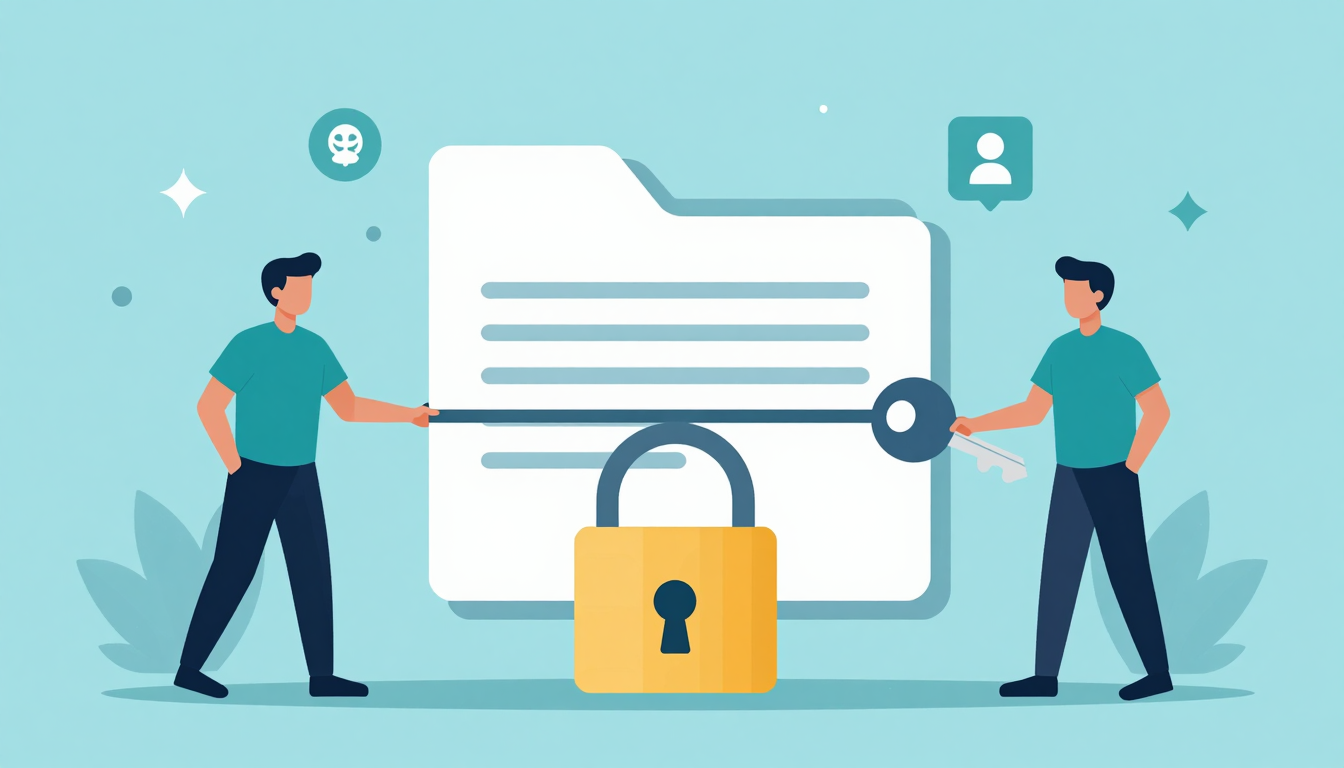
Password Protected File Sharing Explained | Secure Data Transfer
Learn how password protected file sharing works, its benefits, and best practices for secure data transfer. Keep your files safe with encryption.
What is password protected file sharing explained?
Password protected file sharing is a secure method of distributing digital files where access is restricted to only those who know the correct password. This approach ensures that sensitive documents, media, or data remain confidential, even if the file link is accidentally shared with unauthorized users.
💡 Key Insight: Unlike standard file sharing, password protection adds an extra layer of security, making it ideal for businesses, legal documents, or personal files requiring privacy.
Here’s how it works:
- The sender uploads a file to a secure platform (like cloud storage or encrypted email).
- A password is set, either by the sender or automatically generated.
- Recipients receive the file link but must enter the password to access it.
🔒 Secure Sharing
Prevents unauthorized access even if the file URL leaks.
🔄 Easy Control
Change or revoke passwords anytime to manage access.
In summary, password protected file sharing explained simply means adding a gatekeeper to your files—ensuring only the right people get through.
Why Password Protected File Sharing Explained Matters
In today’s digital landscape, securing sensitive data is non-negotiable. Password protected file sharing explained isn’t just a technical detail—it’s a critical practice for businesses and individuals alike. Without proper safeguards, confidential documents, financial records, or personal information can fall into the wrong hands, leading to breaches, legal consequences, and reputational damage.
💡 Key Insight: Password protection adds a vital layer of security, ensuring only authorized users access your files—even if they’re intercepted during transfer.
- Prevents Unauthorized Access: A password acts as a gatekeeper, blocking hackers or unintended recipients from opening files.
- Compliance Friendly: Many regulations (like GDPR or HIPAA) mandate encryption or password protection for sensitive data.
- Builds Trust: Clients and partners feel safer sharing files with you when they know their data is protected.
Understanding password protected file sharing explained empowers you to choose the right tools and protocols, balancing convenience with security. Whether you’re sending contracts, medical records, or creative work, password protection ensures your files stay private—exactly as intended.
🔒 Simple Setup
Most cloud services and file-sharing platforms offer one-click password protection.
🔄 Share with Confidence
Revoke access or change passwords anytime, keeping control in your hands.
Key Features to Look For
When exploring password protected file sharing explained, it’s essential to choose a solution that balances security, ease of use, and flexibility. Here are the must-have features to ensure your files stay protected while remaining accessible to authorized users.
- End-to-End Encryption: Ensures files are encrypted before they leave your device and remain secure until decrypted by the recipient.
- Customizable Passwords & Expiry: Generate unique passwords for each file and set expiration dates to limit access.
- Audit Logs & Tracking: Monitor who accessed your files, when, and from where for added accountability.
- Multi-Factor Authentication (MFA): Adds an extra layer of security beyond just a password.
- User-Friendly Interface: Simplifies the process of sharing files securely, even for non-technical users.
💡 Key Insight: Not all password-protected file-sharing tools are equal. Prioritize platforms that offer zero-knowledge encryption, meaning even the service provider can’t access your files.
🔒 Granular Permissions
Control whether recipients can view, edit, or download files, ensuring sensitive data isn’t misused.
📁 Large File Support
Look for services that support high-capacity uploads without compromising speed or security.
By focusing on these features, you’ll master password protected file sharing explained—keeping your data safe without sacrificing convenience. Whether for business or personal use, the right tool makes all the difference.
How to Get Started with Password Protected File Sharing Explained
Password protected file sharing is a secure and efficient way to share sensitive documents, ensuring only authorized individuals can access them. If you’re new to this concept, getting started is simpler than you might think. Here’s a step-by-step guide to help you navigate the process.
- Choose a Reliable File Sharing Tool: Select a platform that offers password protection as a feature. Popular options include Google Drive, Dropbox, and dedicated secure file-sharing services.
- Upload Your File: Once you’ve chosen your tool, upload the file or folder you want to share.
- Enable Password Protection: Look for the password protection option in the settings or sharing menu. Set a strong, unique password that’s difficult to guess.
- Share the Link Securely: Share the file link and password separately—via email, messaging apps, or other secure channels—to minimize the risk of unauthorized access.
💡 Key Insight: Always use a combination of uppercase, lowercase, numbers, and symbols to create a robust password for your shared files.
By following these steps, you can confidently use password protected file sharing explained in a practical way. This method ensures your sensitive data remains secure while being easily accessible to those who need it. Start today and take control of your digital file sharing!
Best Practices for password protected file sharing explained
Password protected file sharing is a secure way to exchange sensitive documents, but its effectiveness depends on how you implement it. Follow these best practices to ensure your files stay safe while maintaining accessibility.
- Use strong, unique passwords: Avoid common phrases or easily guessable combinations. A mix of uppercase, lowercase, numbers, and symbols is ideal.
- Enable two-factor authentication (2FA): Add an extra layer of security beyond passwords, such as a one-time code sent to your phone.
- Share passwords separately: Never send the password in the same email or message as the file link. Use a different communication channel.
- Set expiration dates: Many tools allow you to limit how long a shared file remains accessible, reducing long-term risks.
- Audit access logs: Regularly check who has accessed your files to detect unauthorized activity early.
💡 Key Insight: Password protected file sharing explained simply isn’t enough—combining strong passwords with additional security measures like 2FA ensures maximum protection.
By adopting these practices, you’ll minimize risks while making password protected file sharing seamless for authorized users. Always stay updated on emerging threats to keep your data secure.
Frequently Asked Questions
What is password-protected file sharing?
Password-protected file sharing is a secure method of sharing files where access is restricted by requiring a password. Only individuals with the correct password can open or download the shared file.
Why should I use password-protected file sharing?
Using password protection ensures that your sensitive or confidential files are only accessible to authorized individuals, reducing the risk of unauthorized access or data breaches.
How do I create a password-protected file?
You can create a password-protected file using file compression tools like WinRAR or 7-Zip, or through cloud storage services that offer password protection features. Simply follow the tool’s instructions to add a password to your file.
Is password-protected file sharing completely secure?
While password protection adds a layer of security, it’s not foolproof. For maximum security, combine password protection with encryption and share passwords securely through a separate communication channel.
Can I share password-protected files via email?
Yes, you can share password-protected files via email. However, avoid including the password in the same email. Instead, send the password through a different method, such as a secure messaging app or phone call.
Conclusion
Password protected file sharing explained is more than just a technical concept—it’s a critical practice for safeguarding sensitive data in today’s digital landscape. By understanding how it works and implementing best practices, you can ensure your files remain secure while maintaining ease of access for authorized users.
- Always use strong, unique passwords for each shared file or folder.
- Encrypt files before sharing to add an extra layer of security.
- Choose reliable platforms that prioritize encryption and user privacy.
💡 Key Insight: Password protected file sharing explained isn’t just about protecting files—it’s about building trust and ensuring compliance in a world where data breaches are increasingly common.
By adopting these strategies, you’ll not only enhance your security posture but also streamline your file-sharing processes. Stay informed, stay secure, and make password protected file sharing a cornerstone of your digital workflow.
Get Started with Password Protected File Sharing Explained | Secure Data Transfer
Ready to take the next step? Learn how password protected file sharing works, its benefits, and best practices for secure data transfer. Keep your files safe with encryption.
Join thousands of users who trust fii.one for fast, private cloud storage.
Get Started Free →fii.one Team
The fii.one blog brings you guides, tips, and insights on file storage, sharing, and productivity.
← Previous
How to Keep Your Files Private from Your Cloud Provider
Next →
Quick Tips to Free Up Cloud Storage Space Fast
Related Articles

Best File Hosting Search Engines: Find Files Fast in 2026
11 min read

How to Search Files Across MediaFire, Mega & Google Drive in One Place
3 min read

Best Enterprise Dropbox Alternative for Secure File Sharing
8 min read

Understanding Airdrop File Size Limits: What You Need to Know
4 min read