How to Keep Your Files Private from Your Cloud Provider
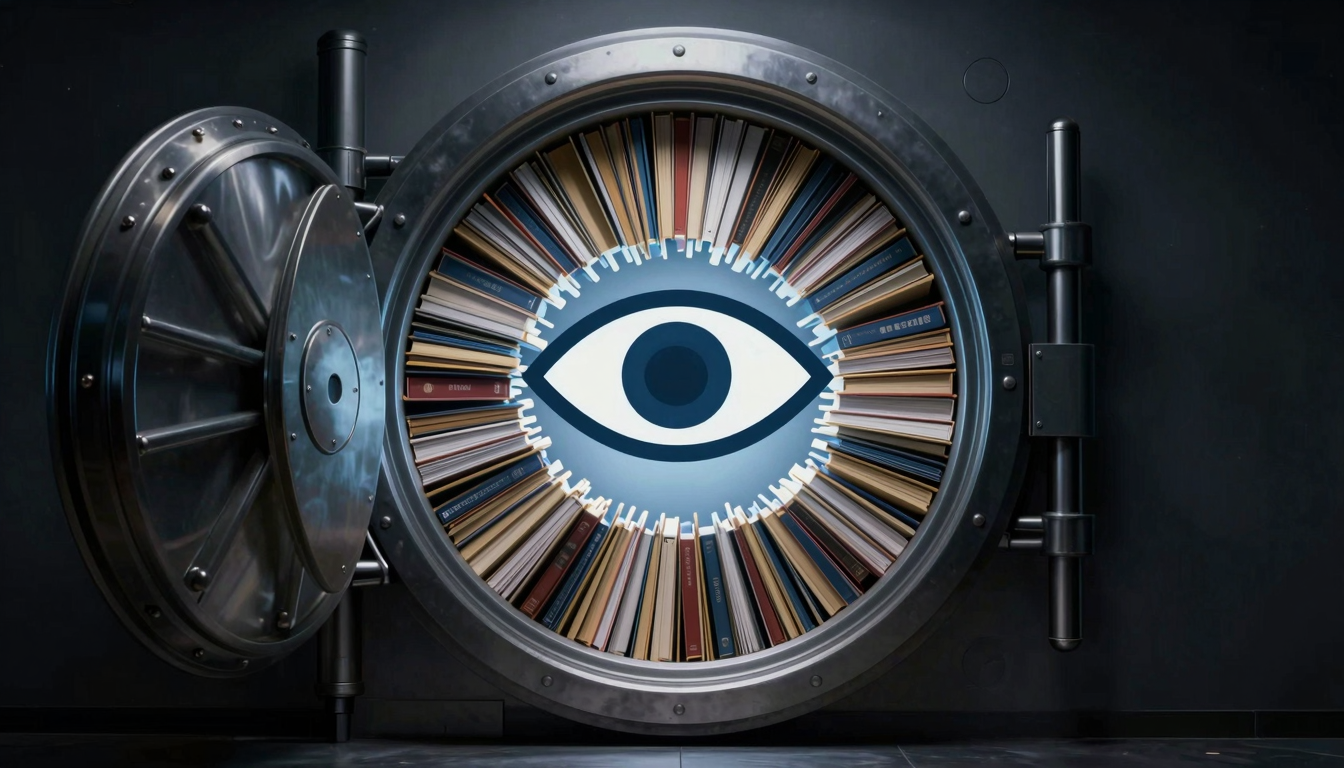
How to Keep Your Files Private from Your Cloud Provider
Discover practical tips to ensure your files remain private from your cloud provider. Learn encryption methods, secure storage solutions, and privacy best practices.
What is how to keep your files private from your cloud provider?
With cloud storage becoming a staple for personal and professional use, many users worry about their data privacy. Learning how to keep your files private from your cloud provider is essential to prevent unauthorized access, leaks, or misuse of sensitive information. While cloud services offer convenience, they also have access to your data—unless you take proactive steps to secure it.
💡 Key Insight: Even if a cloud provider claims "zero-knowledge" encryption, additional measures like client-side encryption can further protect your files.
Here are core principles to maintain privacy:
- Encrypt files before uploading – Use tools like Cryptomator or VeraCrypt to add an extra layer of security.
- Use strong passwords & 2FA – Prevent unauthorized logins that could expose your data.
- Review provider policies – Understand their data access rights and logging practices.
- Limit sync folders – Only upload necessary files to reduce exposure.
By adopting these strategies, you can enjoy cloud convenience while ensuring your files remain confidential. The goal isn’t just to hide data—it’s to take control of who can see it, even from your cloud provider.
Why how to keep your files private from your cloud provider Matters
In an era where data breaches and unauthorized access are rampant, knowing how to keep your files private from your cloud provider is no longer optional—it’s essential. While cloud services offer convenience, they also store your sensitive data on third-party servers, leaving it potentially exposed to prying eyes, whether from hackers, government requests, or even the providers themselves.
💡 Key Insight: Even encrypted cloud storage isn’t foolproof—some providers retain decryption keys, meaning they could access your files if compelled.
Here’s why taking control of your privacy matters:
- Protect sensitive data: Personal documents, financial records, or business secrets shouldn’t be accessible to anyone but you.
- Avoid surveillance: Some providers scan files for metadata or content analysis, risking unintended exposure.
- Compliance & legal risks: Certain industries require strict data confidentiality, and relying solely on a provider’s security may not suffice.
By learning how to keep your files private from your cloud provider, you reclaim ownership of your data—ensuring only you decide who sees it and when.
🔒 Privacy First
End-to-end encryption and zero-knowledge protocols put you back in control.
⚖️ Legal Safety
Reduce liability by minimizing third-party access to confidential files.
Key Features to Look For
When choosing a solution for how to keep your files private from your cloud provider, certain features are non-negotiable. These ensure your data remains secure, even if the cloud service itself is compromised. Here’s what to prioritize:
- End-to-End Encryption (E2EE): Ensures only you can decrypt your files, preventing even the cloud provider from accessing them.
- Zero-Knowledge Architecture: The provider has no access to your encryption keys or passwords, meaning they can’t view your data under any circumstances.
- Client-Side Encryption: Files are encrypted on your device before being uploaded, adding an extra layer of security.
- Open-Source Software: Transparency allows experts to audit the code for vulnerabilities, ensuring no hidden backdoors exist.
- Two-Factor Authentication (2FA): Adds an extra step to verify your identity, reducing the risk of unauthorized access.
💡 Key Insight: Even if a cloud provider claims to encrypt your data, always verify whether they hold the encryption keys. True privacy means you control the keys.
🔐 Self-Hosting Options
For maximum control, consider self-hosted solutions where you manage the servers and encryption keys independently.
🗝️ File-Level Encryption
Encrypt individual files before uploading, so even if one is exposed, the rest remain secure.
By focusing on these features, you can confidently store files in the cloud without sacrificing privacy. Remember, the goal isn’t just to hide data—it’s to ensure you remain in control of it.
How to Get Started with how to keep your files private from your cloud provider
Keeping your files private from your cloud provider is essential in today’s digital age. Whether you’re storing sensitive documents, personal photos, or business data, taking proactive steps to secure your information can prevent unauthorized access. Here’s how to get started:
- Encrypt Your Files: Use encryption tools like VeraCrypt or Cryptomator to encrypt files before uploading them to the cloud. This ensures that even if your provider accesses your data, they can’t read it.
- Choose a Privacy-Focused Provider: Opt for cloud services that prioritize privacy, such as Tresorit or pCloud, which offer zero-knowledge encryption.
- Enable Two-Factor Authentication (2FA): Add an extra layer of security to your account by enabling 2FA, reducing the risk of unauthorized access.
- Regularly Review Permissions: Check and update sharing settings to ensure only authorized users have access to your files.
💡 Key Insight: Always encrypt sensitive files locally before uploading them to the cloud. This ensures your data remains private, even if your provider’s security is compromised.
By following these steps, you can effectively learn how to keep your files private from your cloud provider, giving you peace of mind and control over your digital assets.
Best Practices for how to keep your files private from your cloud provider
While cloud storage offers convenience, ensuring your data remains private from your provider requires proactive measures. Here are the best practices for how to keep your files private from your cloud provider while maintaining usability.
- Encrypt files before uploading: Use tools like VeraCrypt or Cryptomator to encrypt files locally before syncing them to the cloud. This ensures only you hold the decryption keys.
- Enable zero-knowledge encryption: Choose providers like Proton Drive or Tresorit that offer end-to-end encryption, meaning even the provider can’t access your data.
- Use strong, unique passwords: Secure your cloud account with a complex password and enable two-factor authentication (2FA) to prevent unauthorized access.
- Limit third-party app permissions: Review and revoke unnecessary app integrations that could expose your files.
- Regularly audit shared links: Remove old or unused shared links to minimize accidental exposure.
💡 Key Insight: Even if your cloud provider claims strong security, encrypting files yourself adds an extra layer of privacy they can’t bypass.
By following these steps, you can confidently store files in the cloud while keeping them private from prying eyes—including your provider. Always prioritize encryption and access control to maintain full ownership of your data.
🔐 Self-Encryption Tools
Tools like Cryptomator create encrypted vaults, letting you store files securely without relying on provider-side encryption.
🛡️ Zero-Knowledge Providers
Opt for services with zero-knowledge architecture, ensuring only you can decrypt and access your stored files.
Frequently Asked Questions
Can my cloud provider access my files if I don’t encrypt them?
Yes, most cloud providers have the technical ability to access your files if they are not encrypted. While many providers claim not to inspect your data, encryption is the only way to ensure true privacy.
What’s the best way to encrypt files before uploading them to the cloud?
Use end-to-end encryption tools like VeraCrypt, Cryptomator, or BoxCryptor to encrypt files locally before uploading. These tools ensure only you (or someone with your decryption key) can access the data.
Are zero-knowledge cloud storage services better for privacy?
Yes, zero-knowledge providers (e.g., Proton Drive, Tresorit) encrypt your data in a way that even they cannot access it. However, you must trust their encryption implementation and ensure you don’t lose your decryption key.
Does deleting files from my cloud storage permanently remove them?
Not always. Many cloud providers retain deleted files in backups for a period. For sensitive data, use secure deletion tools or overwrite files before deletion, or choose providers with explicit data purge policies.
Can I use cloud storage anonymously?
It’s difficult but possible. Use a VPN or Tor to sign up, avoid providing personal details, and pay with cryptocurrencies if required. However, some providers may still track usage patterns or require identity verification.
Conclusion
Protecting your sensitive data in the cloud doesn’t have to be complicated. By following the right steps—such as encryption, zero-knowledge services, and strong access controls—you can ensure your files remain private, even from your cloud provider.
💡 Key Insight: The best way to keep your files private from your cloud provider is to never give them the keys. Client-side encryption ensures only you can access your data.
- Use end-to-end encryption tools like Cryptomator or VeraCrypt.
- Opt for zero-knowledge cloud providers that prioritize privacy.
- Enable two-factor authentication to add an extra layer of security.
Ultimately, learning how to keep your files private from your cloud provider is about balancing convenience with security. With the right tools and habits, you can enjoy cloud storage without sacrificing privacy.
🔒 Take Action
Audit your cloud storage today—encrypt sensitive files and review sharing permissions.
🛡️ Stay Updated
Follow cybersecurity trends to adapt to new threats and privacy tools.
Get Started with How to Keep Your Files Private from Your Cloud Provider
Ready to take the next step? Discover practical tips to ensure your files remain private from your cloud provider. Learn encryption methods, secure storage solutions, and privacy best practices.
Join thousands of users who trust fii.one for fast, private cloud storage.
Get Started Free →fii.one Team
The fii.one blog brings you guides, tips, and insights on file storage, sharing, and productivity.
← Previous
Best Cloud Storage Solutions for Video Editors in 2023
Next →
Password Protected File Sharing Explained | Secure Data Transfer
Related Articles
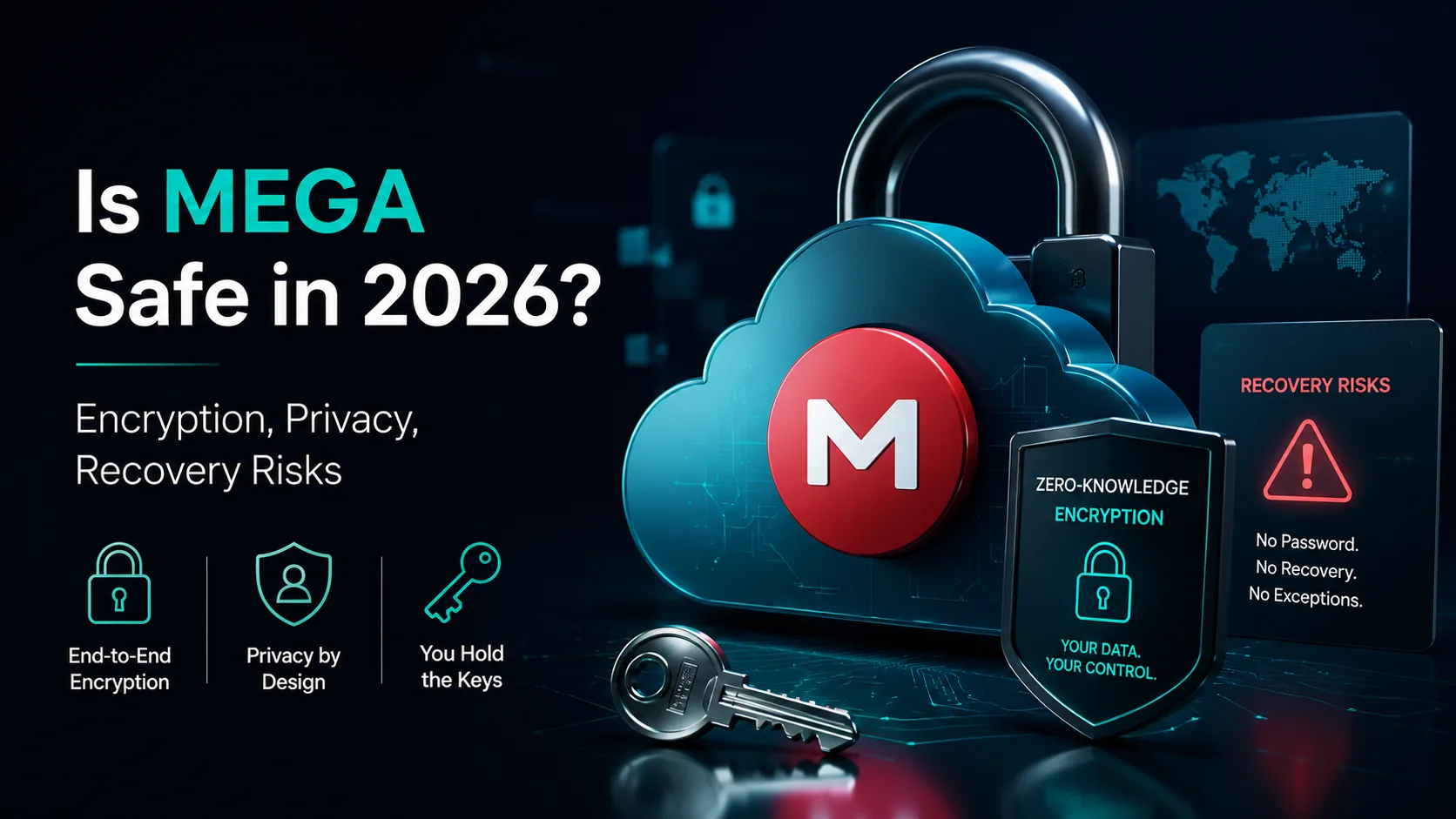
Is MEGA Safe in 2026? Encryption, Privacy & Security Verdict
7 min read
Does Microsoft Scan Your OneDrive Files? The Answer Is More Nuanced Than You Think
4 min read
Is iCloud Really Private? The Honest Answer About Apple's Data Practices
5 min read
Secure File Sharing in 2026: 6 Ways Files Leak and How to Stop Each
5 min read