Client Side vs Server Side Encryption Explained
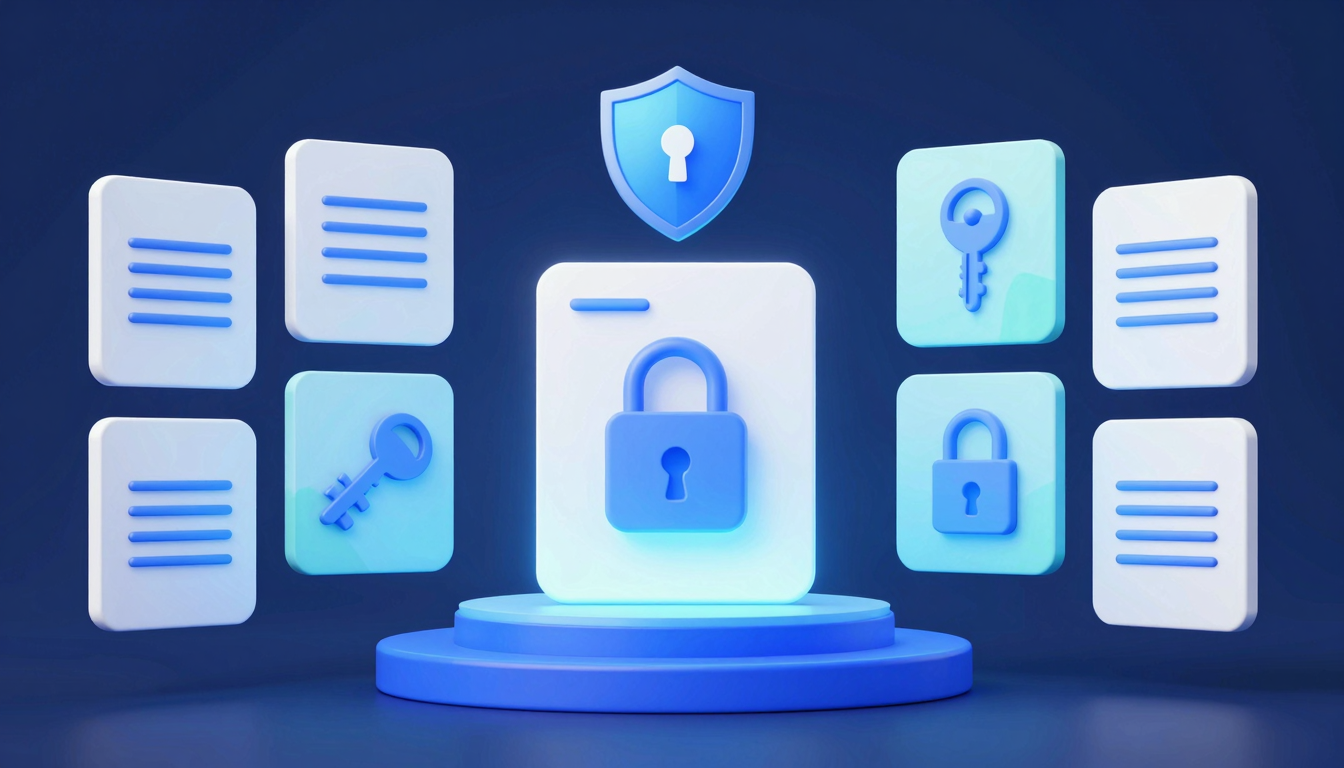
Client Side vs Server Side Encryption Explained
Understand the key differences between client-side and server-side encryption, their pros and cons, and when to use each for optimal data security.
What is client side vs server side encryption explained?
Understanding the difference between client-side and server-side encryption is crucial for securing sensitive data. Both methods protect information, but they operate at different stages of data transmission and storage.
💡 Key Insight: Client-side encryption happens before data leaves your device, while server-side encryption occurs after it reaches the provider's servers.
- Client-side encryption: Data is encrypted on your device (e.g., browser or app) before being sent to a server. Only you hold the decryption keys, ensuring maximum privacy.
- Server-side encryption: Data is encrypted after reaching the service provider's infrastructure. While secure, the provider typically controls the keys, meaning they can access your data if required.
When comparing client side vs server side encryption explained, the key takeaway is control. Client-side offers stronger privacy, while server-side is easier to implement but relies on trust in the provider.
🔒 Client-Side
Best for sensitive data like passwords or financial records, where you want full control.
🛡️ Server-Side
Ideal for large-scale services like cloud storage, balancing security and convenience.
Why client side vs server side encryption explained Matters
Understanding the differences between client-side and server-side encryption is crucial for anyone handling sensitive data—whether you're a developer, business owner, or security-conscious user. The choice between these two methods impacts privacy, compliance, and even performance, making "client side vs server side encryption explained" a topic worth mastering.
💡 Key Insight: Client-side encryption gives users full control over their data before it reaches a server, while server-side encryption relies on the service provider to secure information. The right choice depends on your trust model and security needs.
- Privacy: Client-side encryption ensures only you can decrypt your data, reducing reliance on third parties.
- Compliance: Regulations like GDPR or HIPAA may require specific encryption approaches—knowing the difference helps avoid penalties.
- Performance: Server-side encryption is often faster but sacrifices end-to-end security.
By learning how each method works, you can make informed decisions that balance convenience with robust protection. Whether securing financial records, healthcare data, or personal communications, "client side vs server side encryption explained" empowers you to choose the right shield for your digital life.
Key Features to Look For
When evaluating encryption solutions—whether for personal use or business—understanding the differences between client side vs server side encryption explained is crucial. However, beyond the basics, certain features can significantly impact security, usability, and compliance. Here’s what to prioritize:
💡 Key Insight: The best encryption solutions balance security with practicality. Look for features that align with your threat model and workflow.
- End-to-End Encryption (E2EE): Ensures data is encrypted before leaving the client device, preventing server-side exposure.
- Zero-Knowledge Architecture: Providers cannot access your decryption keys, meaning even they can’t read your data.
- Key Management: Client-side encryption requires secure key storage—look for hardware token support or decentralized key backups.
- Performance Impact: Server-side encryption is often faster, but client-side adds latency. Test for your use case.
- Compliance & Audits: Certifications like SOC 2 or FIPS 140-2 validate security claims, especially for server-side solutions.
🔐 Client-Side Focus
Prioritize open-source clients, local key generation, and offline decryption capabilities.
☁️ Server-Side Focus
Seek robust access controls, audit logs, and integration with existing cloud infrastructure.
Whether you lean toward client-side or server-side encryption, the right features will ensure your data stays protected without sacrificing functionality. Always verify claims with independent reviews or proofs-of-concept.
How to Get Started with client side vs server side encryption explained
Understanding client side vs server side encryption explained is crucial for securing sensitive data. Here’s a quick guide to help you get started with both approaches and choose the right one for your needs.
💡 Key Insight: Client-side encryption gives users full control over their data, while server-side encryption shifts responsibility to the service provider.
Steps to Implement Client-Side Encryption:
- Use libraries like OpenPGP.js or WebCrypto API to encrypt data before sending it to the server.
- Store encryption keys securely on the user’s device (e.g., browser storage or hardware tokens).
- Never transmit keys to the server—decryption happens only on the client.
Steps to Implement Server-Side Encryption:
- Leverage cloud provider tools (e.g., AWS KMS, Azure Key Vault) to manage encryption keys.
- Encrypt data at rest (databases) and in transit (TLS/SSL).
- Ensure compliance with security standards like GDPR or HIPAA.
Choosing between client side vs server side encryption explained depends on your use case. For maximum privacy, client-side is ideal. For ease of management, server-side may be preferable. Some applications even combine both for layered security.
Best Practices for client side vs server side encryption explained
Choosing between client-side and server-side encryption depends on your security needs, performance requirements, and compliance standards. Understanding the best practices for each approach ensures data remains protected while minimizing usability trade-offs.
💡 Key Insight: Client-side encryption prioritizes user privacy by encrypting data before it leaves the device, while server-side encryption simplifies management but relies on trust in the service provider.
Best Practices for Client-Side Encryption
- Use strong key management: Store encryption keys securely on the client side (e.g., hardware security modules or password-derived keys).
- Minimize plaintext exposure: Encrypt data as early as possible—ideally before transmission.
- Audit third-party libraries: Ensure encryption libraries are open-source, well-reviewed, and up-to-date.
Best Practices for Server-Side Encryption
- Enforce access controls: Limit decryption to authorized users only, using role-based permissions.
- Leverage hardware security: Use HSMs or cloud KMS (Key Management Systems) for secure key storage.
- Enable encryption at rest and in transit: Combine server-side encryption with TLS for end-to-end protection.
Balancing client-side vs server-side encryption explained properly ensures compliance (e.g., GDPR, HIPAA) while optimizing performance. Hybrid approaches, like client-side encryption for sensitive fields and server-side for bulk data, can offer the best of both worlds.
Frequently Asked Questions
What is the main difference between client-side and server-side encryption?
Client-side encryption means data is encrypted on your device before being sent to the server, while server-side encryption occurs after the data reaches the server. Client-side offers more privacy since the server never sees unencrypted data.
Which is more secure: client-side or server-side encryption?
Client-side encryption is generally more secure because the data is encrypted before it leaves your device, reducing exposure to potential breaches. However, server-side encryption is still secure if implemented properly and is often easier to manage.
Can I use both client-side and server-side encryption together?
Yes! Combining both methods (called end-to-end encryption) provides the highest level of security. Your data is encrypted on your device, remains encrypted in transit, and stays encrypted on the server.
Why do some services only offer server-side encryption?
Server-side encryption is simpler to implement, allows for features like search and data processing, and doesn't require users to manage encryption keys. It's often chosen for convenience and functionality over maximum privacy.
What happens if I lose my encryption key in client-side encryption?
With client-side encryption, if you lose your encryption key, your data becomes permanently inaccessible since no one else (including the service provider) has a copy. This is why secure key management is crucial.
Conclusion
Understanding the differences between client-side and server-side encryption is crucial for making informed decisions about data security. While server-side encryption offers convenience and scalability, client-side encryption provides stronger privacy by keeping data encrypted before it leaves your device.
💡 Key Insight: The best approach often depends on your use case—balancing security needs with usability is key when choosing between client-side vs server-side encryption.
- Server-side encryption is ideal for large-scale applications where ease of management is a priority.
- Client-side encryption shines when maximum privacy and control over data are required.
By now, you should have a clearer picture of how "client side vs server side encryption explained" impacts your security strategy. Evaluate your needs carefully to choose the right solution for your data protection goals.
Get Started with Client Side vs Server Side Encryption Explained
Ready to take the next step? Understand the key differences between client-side and server-side encryption, their pros and cons, and when to use each for optimal data security.
Join thousands of users who trust fii.one for fast, private cloud storage.
Get Started Free →fii.one Team
The fii.one blog brings you guides, tips, and insights on file storage, sharing, and productivity.
← Previous
How to Share Cloud Storage with Family Easily & Securely
Next →
Secure File Sharing Between Devices: Best Methods
Related Articles
Is MEGA Safe in 2026? Encryption, Privacy & Security Verdict
7 min read
Does Microsoft Scan Your OneDrive Files? The Answer Is More Nuanced Than You Think
4 min read
Best Encrypted Cloud Storage in 2026: Real Zero-Knowledge Options Ranked
8 min read
Is iCloud Really Private? The Honest Answer About Apple's Data Practices
5 min read