Google Drive Alternatives for Teams: 2026 Comparison
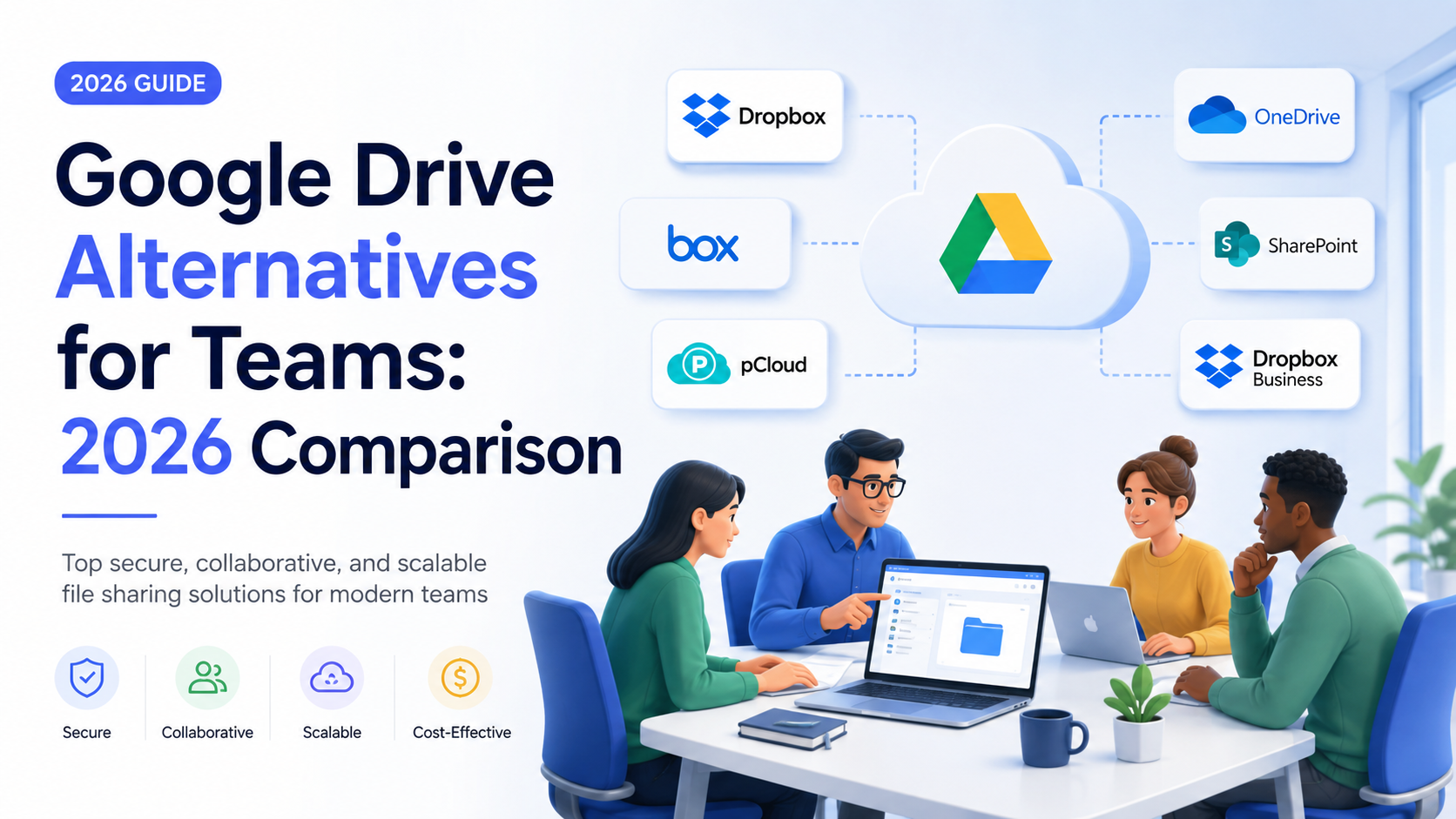
Concise Answer: For teams outgrowing Google Drive, the best alternative depends on your primary need: Microsoft 365 for deep Office integration, Box for enterprise-grade governance, Dropbox Business for streamlined file sync and sharing, or self-hosted/zero-knowledge options like Nextcloud or Tresorit for maximum data privacy and control.
Why Teams Outgrow Google Drive
Google Drive is the default cloud storage choice for millions, offering simplicity and seamless integration with the Google Workspace ecosystem. However, as teams scale, specialize, and face stricter compliance demands, its one-size-fits-all approach reveals gaps. What begins as a convenient solution can become a bottleneck.
Drive is built for the individual user within a company, not for the company as a cohesive, secure entity.
Common pain points include convoluted shared drive permission inheritance, limited file versioning policies for non-Google formats, and an admin panel that lacks the granularity needed for large, complex organizations. When file security becomes paramount, Drive's privacy model—where Google holds the encryption keys—can be a non-starter for sectors like legal, healthcare, or finance.
Storage Limits and Real Cost per Terabyte
Google Workspace's pricing seems straightforward, but the real cost per terabyte (TB) and user limits require scrutiny. The Business Standard plan (
2/user/month) offers 2 TB pooled storage. For a 50-person team, that's 100 TB total, but it's shared. One power user could consume a disproportionate amount, requiring an upgrade for all users to the Enterprise plan, which has no hard limits but involves custom, often higher, pricing.
Alternative Storage Economics
Competitors often provide more predictable, scalable, or generous storage models:
- Microsoft 365 Business Premium ($22/user/month): Provides 1 TB of OneDrive storage per user, plus the full Office suite, Exchange, and SharePoint. The storage is dedicated, not pooled, which simplifies capacity planning.
- Dropbox Business Standard ($20/user/month): Offers 5 TB of pooled
- Box Business ($20/user/month): Starts with 100 GB per user, but unlimited storage is available, making it ideal for data-heavy teams that can justify the plan.
- Self-Hosted (Nextcloud): The cost is primarily hardware and admin time. Storage capacity is limited only by your own servers or scalable, affordable S3-compatible object storage, driving the cost per TB dramatically lower at scale.
Collaboration and Permission Controls Compared
True team collaboration extends beyond sharing a link. It requires precise control, audit trails, and workflow integration.
Permission Granularity
Google Drive permissions operate largely at the folder or file level (Viewer, Commenter, Editor). Alternatives provide more nuance:
- Box excels here with features like task assignments on files, watermarking for sensitive documents, and the ability to set expiration dates on external links. Its folder permission structures are highly detailed.
- Microsoft SharePoint (included with 365) offers deep, Active Directory-integrated permission groups, ideal for large organizations with existing IT infrastructure.
Simplicity vs. Power
Dropbox strikes a balance, maintaining user-friendly simplicity while adding team features like Dropbox Spaces for project workspaces and robust file locking to prevent edit conflicts. It often feels more intuitive for pure file synchronization than Google's web-centric model.
Privacy and Zero-Knowledge Encryption Options
This is the decisive factor for many teams. Google Drive encrypts data, but Google manages the keys. This allows for convenient features like search but means data is technically accessible under certain legal conditions and to Google's algorithms.
The Zero-Knowledge Standard
Zero-knowledge (or end-to-end) encryption means the service provider has zero knowledge of your encryption keys. They cannot decrypt your data, even if compelled. This is a gold standard for privacy.
- Tresorit and pCloud Business are built on this principle. Every file is encrypted on your device before upload. The trade-off is that some web-based features, like full-text search within documents, can be limited.
- Nextcloud with the End-to-End Encryption plugin allows for self-hosted zero-knowledge security, giving maximum control.
For regulated industries, this isn't just a preference; it's a requirement. Alternatives offering this provide a level of data sovereignty Google Drive cannot.
Migration Guide: Moving Your Team Off Drive
Migration seems daunting, but a phased approach ensures success.
- Audit & Plan: Use Google Drive's admin tools to map data ownership, sharing links, and storage hotspots. Decide on a migration tool—most alternatives offer dedicated importers for Google Drive.
- Pilot Phase: Migrate a small, non-critical team or department first. Test permissions, sharing, and key workflows in the new environment.
- Communicate & Train: Announce the timeline. Create short video tutorials highlighting the benefits of the new platform (e.g., "Here's how our new secure sharing works").
- Phased Data Migration: Migrate by team or project, not all at once. Use the migration tool's scheduling to move data overnight.
- Parallel Run & Cutover: Allow a two-week period where both systems are active but encourage use of the new system. Then, disable Drive uploads and finalize the cutover.
Which Alternative Fits Your Team Size
| Team Size & Profile | Primary Need | Recommended Alternative | Key Consideration |
|---|---|---|---|
| Small (1, 20), Creative, Remote | Simple sync, large files (video, design) | Dropbox Business | Excellent sync client, large pooled storage. |
| Medium (20, 100), Mixed Office Use | Deep Office integration, compliance | Microsoft 365 | More than storage; a full productivity platform. |
| Large (100+), Enterprise, Regulated | Governance, audit, security | Box or self-hosted Nextcloud | Superior permission controls and compliance features. |
| Any Size, Privacy-First (Legal, Healthcare) | Data sovereignty, zero-knowledge | Tresorit or pCloud Business | Your data is encrypted before it leaves your device. |
Frequently Asked Questions
Is migration from Google Drive to another service difficult?
Not inherently. Most professional alternatives provide dedicated migration tools that copy files, folder structures, and even sharing permissions automatically. The real work is in the planning and cleanup before the move, not the technical transfer.
Do these alternatives work as well with Google Docs?
This is a key consideration. While you can store and preview Docs files elsewhere, real-time co-editing will require converting files to other formats (e.g., Microsoft Office). If your team lives in Google Docs, moving away from Drive has a higher workflow cost. Consider hybrid approaches or evaluate OnlyOffice/Nextcloud integration if this is critical.
What about free alternatives for teams?
Truly free, secure alternatives for team use are rare. Services like Nextcloud are open-source and "free" to install, but require server costs and maintenance. For a business, the investment in a paid plan ensures security, support, SLAs, and scalability that free tiers cannot match. Treat storage as core infrastructure, not a place to cut corners.
Join thousands of users who trust fii.one for fast, private cloud storage.
Get Started Free →fii.one Team
The fii.one blog brings you guides, tips, and insights on file storage, sharing, and productivity.