Best Cloud Storage Solutions for Podcasters & Audio Files
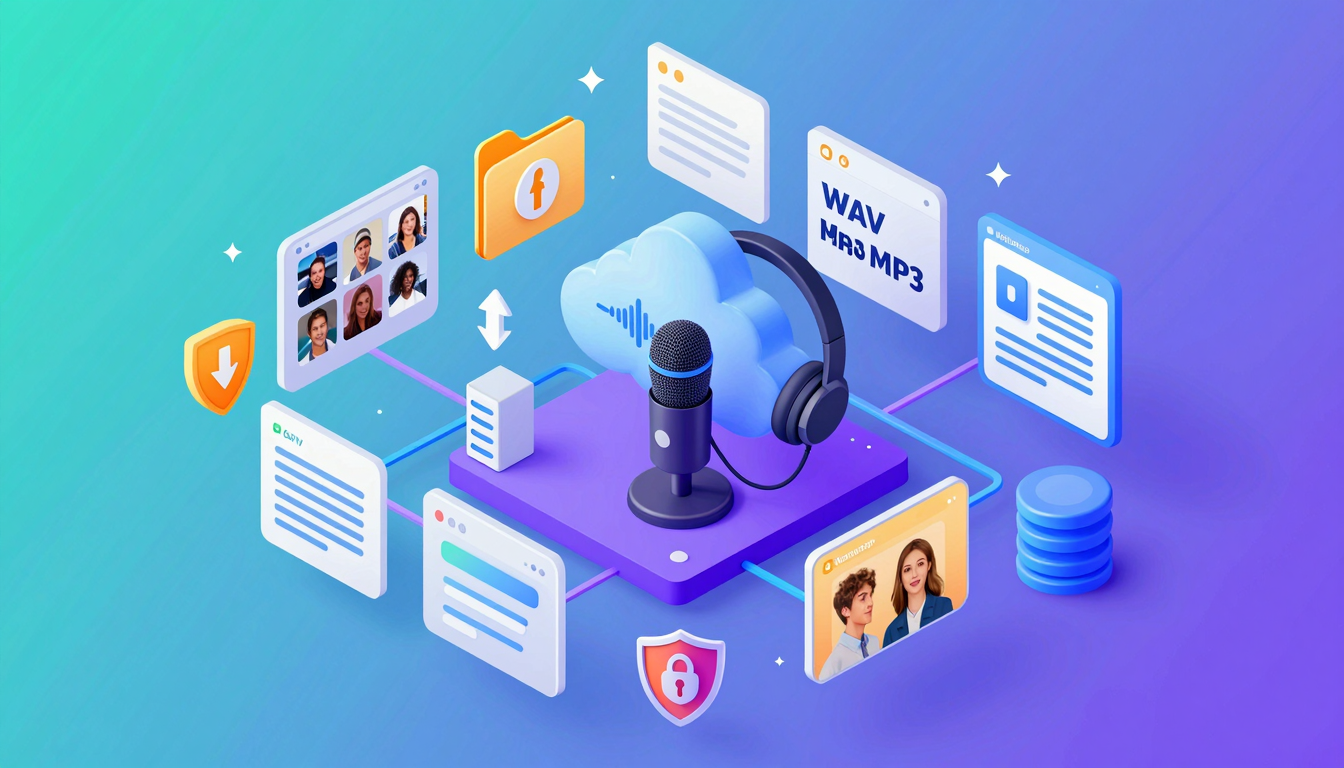
Best Cloud Storage Solutions for Podcasters & Audio Files
Discover the top cloud storage options tailored for podcasters and audio files. Secure, scalable, and easy-to-use solutions to streamline your workflow.
What is cloud storage for podcasters and audio files?
Cloud storage for podcasters and audio files is a digital solution that allows creators to store, manage, and access their audio content remotely via the internet. Instead of relying on physical hard drives or local servers, podcasters can upload their files to secure online platforms. These platforms provide scalable storage, making it easy to handle large audio files like podcasts, interviews, and music tracks.
💡 Key Insight: Cloud storage eliminates the risk of losing critical audio files due to hardware failure or accidental deletion.
For podcasters, cloud storage offers several advantages. It simplifies collaboration by allowing multiple team members to access and edit files from anywhere. Additionally, it ensures seamless backups and version control, so creators can focus on producing quality content without worrying about data loss.
- Access files from any device with an internet connection.
- Share large audio files effortlessly with collaborators or listeners.
- Scale storage as your podcast grows, without investing in physical hardware.
Whether you’re a solo podcaster or part of a team, cloud storage for podcasters and audio files is a game-changer. It combines convenience, security, and flexibility, making it an essential tool for modern audio creators.
Why cloud storage for podcasters and audio files Matters
For podcasters, managing audio files efficiently is critical—whether it’s raw recordings, edited episodes, or backups. That’s where cloud storage for podcasters and audio files becomes a game-changer. Unlike local storage, cloud solutions offer scalability, accessibility, and security, ensuring your content is always safe and ready to use.
💡 Key Insight: Cloud storage eliminates the risk of losing hours of work due to hardware failures—a nightmare for any podcaster.
- Access Anywhere: Edit, share, or publish episodes from any device, whether you’re in-studio or on the go.
- Collaborate Easily: Share files with co-hosts, editors, or guests without bulky email attachments.
- Automatic Backups: Never worry about losing files—cloud platforms sync and save your work in real time.
🔒 Secure Storage
Encrypted cloud storage keeps your audio files protected from unauthorized access.
⚡ Scalable Space
Upgrade storage as your podcast grows—no need to buy expensive hard drives.
Whether you’re a solo creator or part of a team, leveraging cloud storage for podcasters ensures your workflow stays smooth, secure, and stress-free.
Key Features to Look For
When choosing the right cloud storage for podcasters and audio files, it’s essential to consider features that align with your workflow and needs. Not all cloud storage solutions are created equal, and podcasters require specific functionalities to manage their audio content efficiently. Here are the key features to prioritize:
- Ample Storage Space: Audio files, especially high-quality ones, can take up significant space. Look for providers offering scalable storage options to accommodate your growing library.
- File Versioning: Accidentally overwrite a file? File versioning ensures you can restore previous versions, a lifesaver for podcasters managing multiple edits.
- Easy Collaboration: If you work with co-hosts, editors, or producers, choose a platform that allows seamless file sharing and collaboration.
- Fast Upload and Download Speeds: Time is precious, and slow speeds can delay your workflow. Opt for cloud storage with reliable performance.
- Integration with Editing Tools: Ensure compatibility with popular audio editing software like Adobe Audition or Audacity for smoother workflows.
💡 Key Insight: Security is non-negotiable. Look for cloud storage providers offering end-to-end encryption and two-factor authentication to protect your sensitive audio files.
🎧 Audio-Specific Features
Some providers offer audio-specific tools like built-in players, metadata support, or automatic transcription services, making them ideal for podcasters.
📁 Organized File Management
Look for advanced folder structures, tagging, and search capabilities to keep your episodes organized and easy to find.
By focusing on these features, you’ll find cloud storage for podcasters and audio files that not only meets your needs but also enhances your productivity and creativity.
How to Get Started with Cloud Storage for Podcasters and Audio Files
If you're a podcaster or audio creator, leveraging cloud storage for podcasters and audio files can streamline your workflow, improve collaboration, and ensure your files are always accessible. Here’s how to get started:
- Choose the right provider: Opt for platforms like Google Drive, Dropbox, or Backblaze, which offer ample storage and fast upload speeds for large audio files.
- Organize your files: Create folders for episodes, raw recordings, and edited versions to keep everything structured and easy to find.
- Set up automatic backups: Use sync tools to automatically back up recordings from your DAW (Digital Audio Workstation) to the cloud.
- Share with collaborators: Generate shareable links or invite team members to edit or review files securely.
💡 Key Insight: Many cloud providers offer free tiers—start small and scale up as your storage needs grow.
By integrating cloud storage for podcasters and audio files into your workflow, you’ll reduce the risk of data loss and focus more on creating great content!
🔒 Security Tip
Enable two-factor authentication to protect your audio files from unauthorized access.
🚀 Pro Move
Use cloud storage with version history to track changes and revert to older edits if needed.
Best Practices for cloud storage for podcasters and audio files
Choosing the right cloud storage for podcasters and audio files is just the first step. To maximize efficiency, security, and accessibility, follow these best practices to keep your workflow seamless and your content safe.
- Organize with a clear folder structure: Create dedicated folders for raw recordings, edited files, and published episodes to avoid clutter.
- Enable versioning: Many cloud platforms offer file versioning, allowing you to revert to previous edits if needed.
- Automate backups: Schedule regular backups to prevent data loss due to accidental deletions or corruption.
- Use lossless formats for storage: Store high-quality WAV or FLAC files in the cloud, then compress for distribution.
💡 Key Insight: Always check your cloud provider’s upload/download speeds to ensure smooth transfers, especially for large audio files.
🔒 Security First
Enable two-factor authentication (2FA) and encrypt sensitive files to protect your podcast assets.
🌐 Collaboration Ready
Share editable links with co-hosts or editors to streamline teamwork without compromising security.
By implementing these strategies, podcasters can leverage cloud storage to its fullest potential—ensuring reliability, scalability, and peace of mind.
Frequently Asked Questions
Why should podcasters use cloud storage for audio files?
Cloud storage offers secure, scalable, and accessible storage for your podcast episodes and audio files. It ensures your files are backed up, easily shareable, and accessible from anywhere, making collaboration and distribution seamless.
What’s the best cloud storage option for podcasters?
The best option depends on your needs. Popular choices include Google Drive for collaboration, Dropbox for ease of use, and Amazon S3 for scalability and affordability. Consider factors like storage limits, pricing, and integration with podcast hosting platforms.
How much cloud storage do I need for my podcast?
It depends on your podcast’s length, frequency, and audio quality. A 30-minute episode in high-quality MP3 can be around 30-50MB. Calculate your monthly uploads and multiply by the number of episodes you plan to store to estimate your needs.
Is cloud storage secure for sensitive audio files?
Yes, most cloud providers offer encryption, password protection, and access controls to keep your files secure. Always enable two-factor authentication and review sharing settings to ensure only authorized users can access your files.
Can I use cloud storage to distribute my podcast episodes?
While cloud storage can host files, it’s not optimized for podcast distribution. Instead, use a dedicated podcast hosting platform (like Libsyn or Anchor) for RSS feeds and analytics, and use cloud storage for backups and collaboration.
Conclusion
Cloud storage for podcasters and audio files is no longer a luxury—it’s a necessity for creators who value accessibility, security, and scalability. By leveraging the right platform, you can streamline workflows, protect your content, and collaborate effortlessly with team members or guests.
💡 Key Insight: The best cloud storage solutions for podcasters balance affordability with robust features like high-speed uploads, version history, and seamless integrations with editing tools.
- Prioritize storage with strong encryption to safeguard your audio files.
- Look for platforms offering easy sharing options to distribute episodes efficiently.
- Scalability ensures your storage grows alongside your podcast’s success.
Whether you’re a solo podcaster or part of a production team, investing in reliable cloud storage for podcasters and audio files will future-proof your creative process and free you to focus on what truly matters—your content.
Get Started with Best Cloud Storage Solutions for Podcasters & Audio Files
Ready to take the next step? Discover the top cloud storage options tailored for podcasters and audio files. Secure, scalable, and easy-to-use solutions to streamline your workflow.
Join thousands of users who trust fii.one for fast, private cloud storage.
Get Started Free →fii.one Team
The fii.one blog brings you guides, tips, and insights on file storage, sharing, and productivity.
← Previous
Top File Sharing Tools for Designers & Creatives in 2024
Next →
GDPR Compliant Cloud Storage: Key Features to Consider
Related Articles

How to Search Files Across MediaFire, Mega & Google Drive in One Place
3 min read
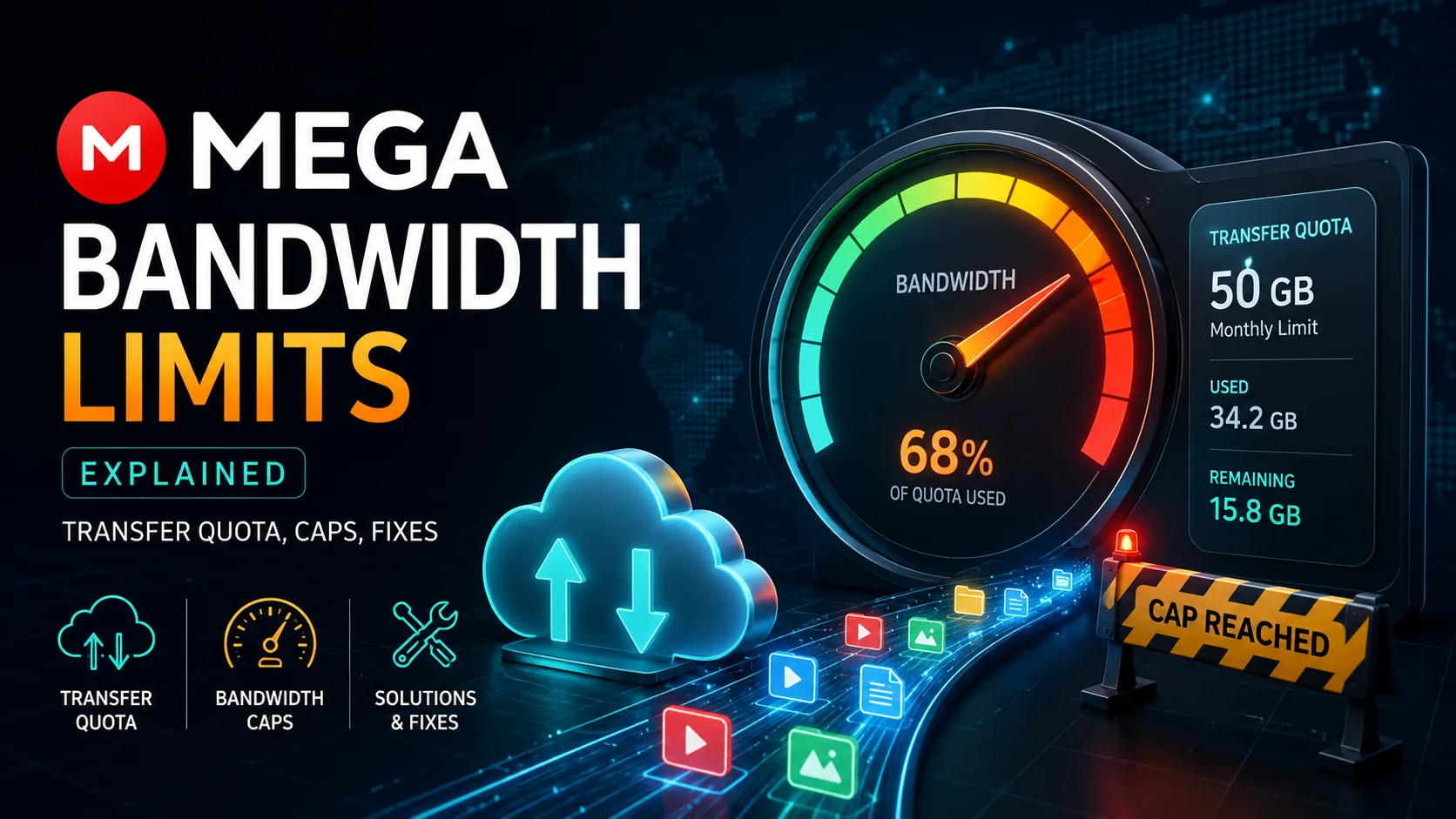
MEGA Bandwidth Limits Explained: Transfer Quota, Caps & Fixes
7 min read
Is pCloud Lifetime Plan Worth It in 2026? The Math That Matters
5 min read

Top Temporary File Hosting Services for Fast, Secure Sharing
4 min read