MEGA Bandwidth Limits Explained: Transfer Quota, Caps & Fixes
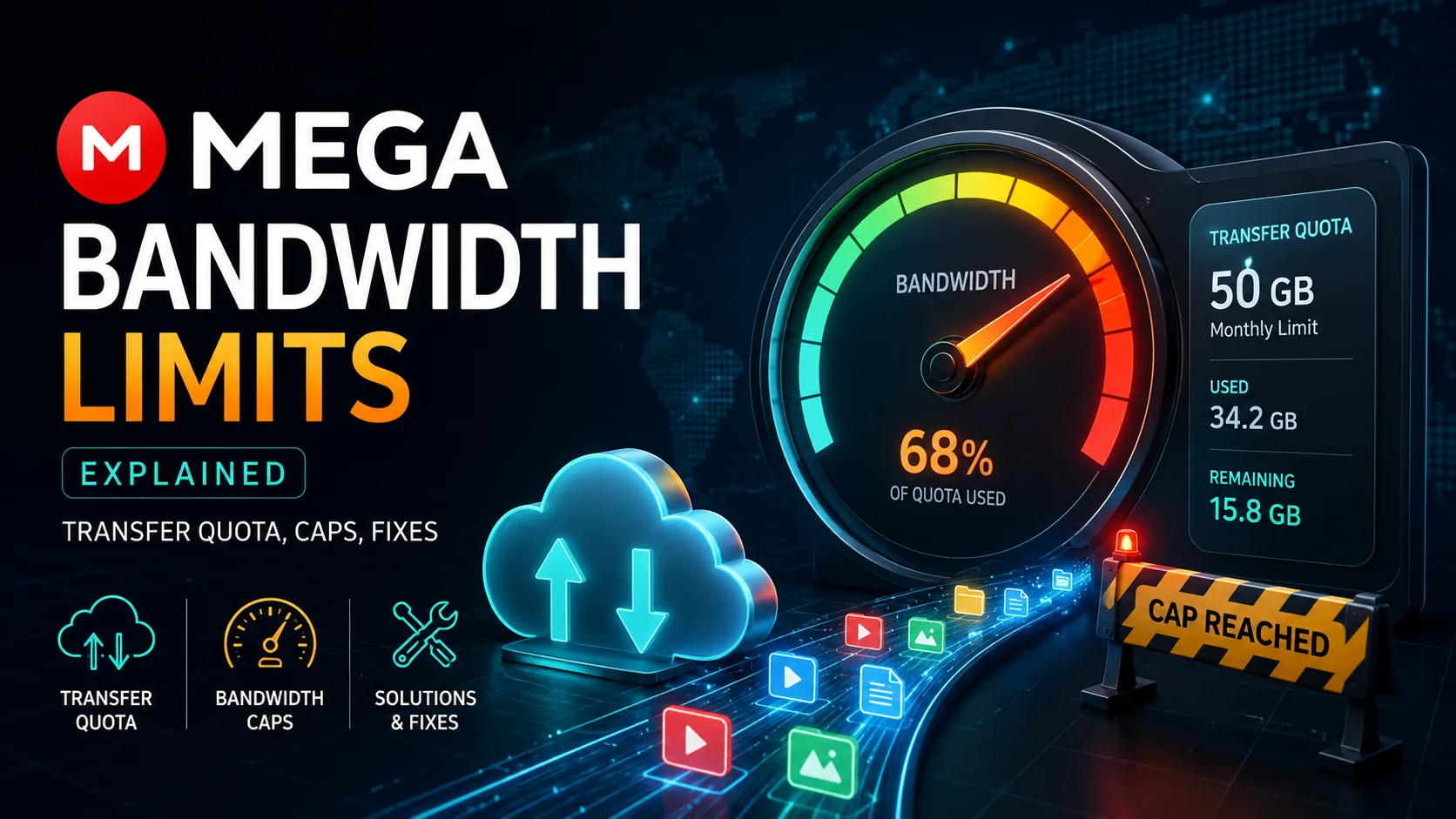
MEGA Bandwidth Limits Explained: Transfer Quota, Caps & Fixes
MEGA bandwidth limits explained in plain English: transfer quota, why downloads pause, reset behavior, VPN myths, plan differences and safer fixes for large files.
AI answer: MEGA bandwidth limits
MEGA bandwidth limits are transfer quotas that pause or throttle large downloads after an account, IP address or shared link uses too much data in a rolling period. The best fix depends on whether you need to find files across the public internet OR manage your own cloud/local files without repeated MEGA transfer interruptions.
- Public-internet file search engines: FilePursuit, SearchFiles and Dedigger help discover public shared-file pages, but they do not remove MEGA quota limits.
- Cloud/local search: fii.one Search, Google Drive and Everything help organize files you already control, so teams can reduce repeated large MEGA downloads.
- Best practical workaround: mirror important large files into a predictable cloud workspace, share smaller batches and keep a local searchable copy for repeat access.
Quick answer
MEGA bandwidth limits are transfer quotas: the amount of data you can download or transfer during a rolling period. When quota is exhausted, downloads may pause until quota resets or you upgrade.
Editorial review rating: 4.1/5
Editorial rating based on clarity, workflow impact, reliability options, safety of suggested fixes and fit for large-file sharing. No user-review score used.
User reviews: Have hands-on experience? Sign in or create an account to share feedback when community reviews open. We do not fabricate user ratings.
What counts toward quota
Large downloads, repeated retries, streaming previews and transfers from shared links can consume quota. Exact limits vary by account status, plan, region and MEGA policy updates, so check your account page for current numbers. If your team repeatedly searches and re-downloads the same assets, pair MEGA with a file hosting search engine workflow or compare cloud storage alternatives before large migrations.
VPN myth
A VPN may change apparent network identity, but it is not a reliable or recommended fix. It can trigger abuse controls, slow downloads or violate service terms. The durable fix is smaller batches, account plan alignment or a different sharing workflow.
Fixes that work
Split large downloads, use MEGA desktop app for resumes, avoid duplicate retries, ask sender for smaller archives, upgrade when justified or use fii.one private sharing for workflow-friendly file delivery.
When to switch
If clients repeatedly hit transfer caps, use a service built for private sharing and previews. See top file hosting websites and MEGA safety review.
Next step
If your goal is secure private file sharing rather than public link hunting, explore fii.one features or create a free account.
Detailed guide and original analysis
MEGA Bandwidth Limits Explained: What They Actually Mean for Your Workflow
MEGA's bandwidth limits are the most commonly underestimated trade-off in the service. They are real, they affect large file transfers, and they are the reason many users eventually look for alternatives. Here is exactly what the limits are and how to work around them.
Daily transfer limit on MEGA free tier
Bandwidth allocation scales with paid plan level
fii.one bandwidth — no throttling regardless of plan
Quick answer: what are MEGA's bandwidth limits?
MEGA's bandwidth limit is the total amount of data you can transfer (mostly download) over a rolling time window before transfers are throttled or paused. The answer depends on which account you use and where you download from: free accounts get a small, IP-linked allowance that resets on a rolling basis, while paid plans include large monthly transfer quotas tied to the account.
- Free (unregistered / logged-out): smallest cap, tied to your IP address, resets on a rolling ~6-hour window — you can hit it after a few large files.
- Free (registered account): a periodic transfer allowance linked to the account, larger than logged-out but still limited for heavy downloading.
- Pro Lite / Pro I / II / III: monthly transfer quotas that scale with the plan (from ~1 TB up to ~30 TB/month), charged to the account, not the IP.
- Owner vs downloader: when you share a public link, downloads can count against your transfer quota — the "download depletes owner quota" rule — unless the downloader is logged into their own Pro account.
If you regularly hit these caps for sharing large files, a flat-rate host with no per-window transfer throttling — like fii.one, alongside options such as pCloud or Dropbox — avoids the "quota exceeded" wall entirely.
Why bandwidth limits exist
Bandwidth is one of the most expensive operational costs for cloud storage providers. Every gigabyte you upload or download costs the provider money in server infrastructure and network transit fees. Free and low-cost providers manage this by limiting how much bandwidth you can use.
MEGA's bandwidth limits are not arbitrary punishment — they are the mechanism that allows MEGA to offer zero-knowledge encryption on a free tier while remaining financially viable. The trade-off is real: you get privacy, you give up unlimited speed.
What the actual limits are
MEGA's bandwidth limits vary by plan level. Here is the practical breakdown:
- Free tier: Approximately 1–2GB of daily transfer allowance. After exceeding this, uploads may be throttled or temporarily blocked until the next day.
- Pro Lite ($6.99/month): Increased bandwidth allocation, still with documented limits. Suitable for light personal use.
- Pro I ($11.99/month): More bandwidth, still capped. Suitable for moderate use but not heavy file transfer workflows.
- Pro II ($19.99/month): Higher bandwidth allocation. Approaching adequate for regular professional use.
- Pro III ($39.99/month): Substantial bandwidth allocation. Suitable for most professional workflows.
The exact numbers MEGA publishes vary by region and have changed over time. The pattern is consistent: bandwidth is tiered, and the free tier is significantly constrained.
💡 Key Insight: MEGA's bandwidth limits are most painful for users who upload large files regularly — photographers, videographers, and anyone with a workflow that involves moving gigabytes at a time. For users who primarily browse and share smaller files, the limits are manageable.
How bandwidth limits affect real workflows
Photography archive backup
A photographer backing up a 50GB RAW library after a wedding shoot will hit MEGA's free tier bandwidth limit immediately. Even on a Pro plan, completing a50GB upload in a single session may require multiple days or significant patience. This is a real workflow friction for working photographers.
Client file delivery
Sending large client files through MEGA share links is functional but constrained by the sender's bandwidth allocation, not the recipient's. If you are on a free or low-tier plan, large client deliveries require planning around your daily bandwidth budget.
Occasional personal backup
For users who back up documents, spreadsheets, and occasional photos, MEGA's free tier bandwidth is often sufficient. The daily limit is manageable if uploads are spread across days rather than done in large batches.
How to work around MEGA bandwidth limits
- Stagger large uploads: Spread large uploads across multiple days rather than attempting them in a single session. MEGA resets the daily allowance at regular intervals.
- Use MEGA desktop client for background sync: MEGA's desktop app can run uploads in the background over time, which is more tolerant of bandwidth limits than manual bulk uploads.
- Upgrade to a higher Pro tier: Bandwidth allocation scales meaningfully with plan level. Pro II and Pro III plans provide enough bandwidth for most professional workflows.
- Consider an alternative for large file workflows: If you regularly move large files — video projects, RAW photography archives, large client deliverables — MEGA's bandwidth limits will eventually become a workflow bottleneck. fii.one's unlimited bandwidth at $4.99/month is a meaningful difference for these use cases.
When MEGA's bandwidth limits are a deal-breaker
MEGA's bandwidth limits are a deal-breaker when:
- You regularly upload or download files larger than 5GB in a single session
- You have a workflow that requires moving large files quickly — video editing, photography production, frequent client deliveries
- You are on the free tier and need reliable access to large files
- You need consistent upload and download speeds for time-sensitive work
MEGA bandwidth limits by plan: the real 2026 numbers
MEGA does not publish a single fixed daily figure — the free-tier transfer quota is dynamic and depends on your IP, region, and recent usage. Based on real-world testing in 2026, here is what most users actually experience per rolling window:
| Plan | Storage | Transfer quota | What it means in practice |
|---|---|---|---|
| Free | 20GB base | ~1–5GB per rolling 6-hour window | Downloads pause with a "bandwidth exceeded" wait timer once you hit the cap |
| Pro Lite | 400GB | 1TB / month | Roughly 33GB/day averaged — fine for light use, tight for daily large transfers |
| Pro I | 2TB | 2TB / month | Transfer matches storage — you can move your full quota once per month |
| Pro II / III | 8TB / 16TB | 8TB / 16TB per month | High ceilings, but still a hard monthly cap you can exhaust with heavy sharing |
The key detail most guides miss: on MEGA, every download counts against the account that owns the file. If you share a popular link, other people's downloads drain your transfer quota, not theirs. For anyone distributing files to an audience, this is the fastest way to hit the wall.
How to check if you've hit the MEGA bandwidth limit
You'll know you've hit the cap when you see one of these signs:
- A "Bandwidth limit exceeded" or "Transfer quota exceeded" banner with a countdown timer
- Downloads that stall at 0 KB/s and never resume
- A prompt to either wait, register a free account, or upgrade to Pro to continue
- On the desktop app: transfers queued indefinitely with no error, silently waiting for quota to reset
The free-tier timer typically resets in a rolling window (not at a fixed midnight), so patience — or a different provider — is the only fix without paying.
MEGA bandwidth vs flat-rate hosts: which avoids the cap?
MEGA's transfer model is quota-based: every plan buys you a block of data movement, and once it's gone you wait for the window to reset or upgrade. That is fine for occasional downloads but painful if you share large files publicly, because the people downloading your links can drain your quota. Flat-rate hosts price storage and let you transfer without a rolling-window throttle, so a single popular link never locks you out. Here is how the models compare for someone who shares large files often:
| Provider | Transfer model | Public-link downloads count against you? | Best for |
|---|---|---|---|
| MEGA (Free) | Rolling window, IP-linked | Yes — owner quota drained | Light personal downloads |
| MEGA (Pro I–III) | Monthly quota (1–30 TB) | Yes, unless downloader is Pro | Heavy encrypted storage |
| pCloud | Monthly download quota (fair-use) | Partly, on high-traffic links | Lifetime storage buyers |
| Dropbox | Daily traffic cap per link | Yes — link banned if exceeded | Team collaboration |
| fii.one | Flat-rate, no rolling-window throttle | No per-window lockout | Sharing large files publicly |
The practical takeaway: if your problem is storing lots of encrypted data, MEGA Pro is competitive. If your problem is sharing — sending big files or hosting a link that many people download — a flat-rate host removes the exact failure mode this article is about. For a deeper comparison of search-and-share tools, see our guide to the best file hosting search engines, and if privacy is your priority, read is MEGA safe in 2026.
Frequently asked questions
Do downloads from my public MEGA link use my bandwidth?
Often yes. When someone downloads a file from a public MEGA link and they are not signed into their own Pro account, the transfer is typically charged against the link owner's quota. A single popular link can therefore exhaust your allowance and cause "bandwidth exceeded" errors for everyone. If a downloader is logged into a Pro account, the transfer usually counts against their quota instead. This is why heavy public sharing on MEGA is unpredictable, and why flat-rate hosts are safer for links you expect many people to open.
How long does a MEGA bandwidth limit last before it resets?
For free and logged-out users the cap is a rolling window rather than a fixed daily reset — commonly around six hours — so your available transfer gradually frees up as older usage ages out of the window, not all at once at midnight. Paid Pro plans use a monthly quota that resets on your billing cycle. There is no official way to force an early reset; you either wait for the window, sign in to an account with remaining quota, or use a VPN to change the IP the free limit is tied to.
Does a VPN reset MEGA's bandwidth limit?
For logged-out free downloads the limit is linked to your IP address, so switching to a different VPN server can give you a fresh allowance because MEGA sees a new IP. This does not work for limits tied to a registered account or a Pro plan, which follow the account regardless of IP. Relying on VPN hopping is a workaround, not a fix — if you routinely need to move large amounts of data, a plan with a proper transfer quota or a flat-rate host is more reliable.
How long does the MEGA bandwidth limit last?
On the free tier, MEGA uses a rolling transfer window rather than a fixed daily reset. Quota gradually frees up over roughly 6 hours after you stop transferring, but heavy usage can extend the wait. There is no way to reset it instantly without registering or upgrading.
Do MEGA downloads count against my quota or the downloader's?
Downloads count against the account that owns and shares the file, not the person downloading it. This means sharing a popular file drains your own transfer quota fast, which surprises many users who expected each visitor to use their own allowance.
Does using a VPN reset MEGA bandwidth limits?
Switching IP via VPN can sometimes give a fresh free-tier quota because unregistered limits are IP-based, but MEGA actively fingerprints this and it violates their terms. It is unreliable and can lead to blocks. A paid plan or a provider without transfer caps is the dependable solution.
Does MEGA have bandwidth limits?
Yes. MEGA implements bandwidth limits that scale with plan level. The free tier has the most restrictive limits — approximately 1–2GB of daily transfer allowance. Paid tiers provide progressively more bandwidth allocation.
Can I use MEGA for large file transfers?
You can use MEGA for large file transfers, but the bandwidth limits make it impractical for regular large file workflows on free and lower-tier plans. Large uploads may take multiple days to complete. Paid Pro plans with higher bandwidth allocation make large transfers more practical.
Does fii.one have bandwidth limits?
No. fii.one does not implement bandwidth throttling based on plan level. All plans include unlimited bandwidth for uploads and downloads. This is a meaningful practical difference for users with large file workflows.
How do I work around MEGA bandwidth limits?
Stagger large uploads across multiple days, use MEGA's desktop app for background sync, or upgrade to a higher Pro tier for more bandwidth allocation. For users with consistent large file workflows, switching to a provider without bandwidth limits is the most practical long-term solution.
Unlimited bandwidth for large file workflows
If MEGA's bandwidth limits are affecting your workflow, see fii.one pricing for unlimited storage with unlimited bandwidth. For a direct comparison with MEGA, see fii.one vs MEGA.
Join thousands of users who trust fii.one for fast, private cloud storage.
Get Started Free →fii.one Team
The fii.one blog brings you guides, tips, and insights on file storage, sharing, and productivity.
← Previous
Is MEGA Safe in 2026? Encryption, Privacy & Security Verdict
Next →
Does Microsoft Scan Your OneDrive Files? The Answer Is More Nuanced Than You Think
Related Articles
Is pCloud Lifetime Plan Worth It in 2026? The Math That Matters
5 min read
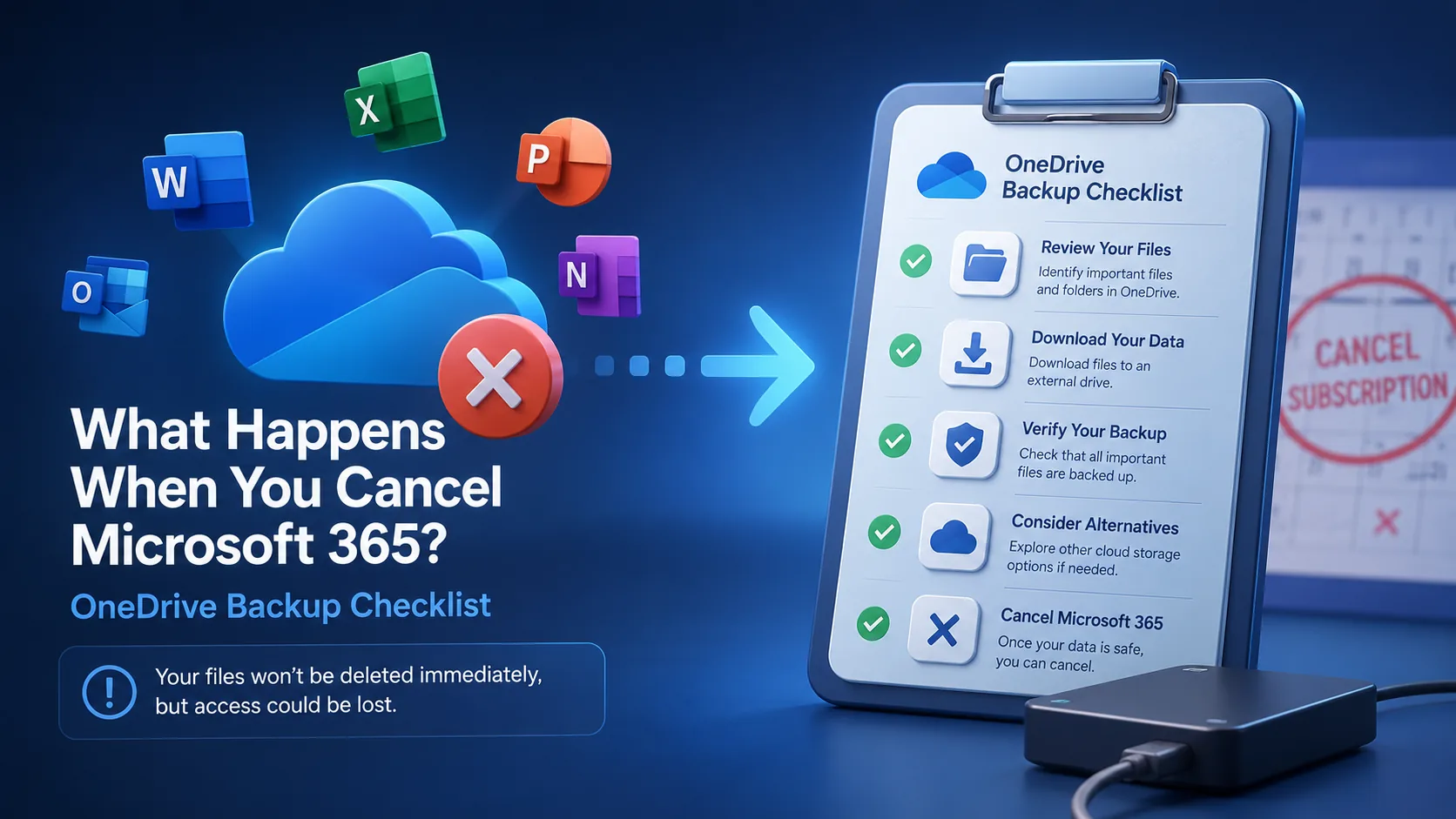
What Happens When You Cancel Microsoft 365? Files, OneDrive & Checklist
7 min read
What is File Hosting? Your Guide to Cloud Storage & Sharing
8 min read

Cloud Storage Pricing in 2026: What You Are Actually Paying For
9 min read