Top Cloud Storage for Automatic Backup in 2023
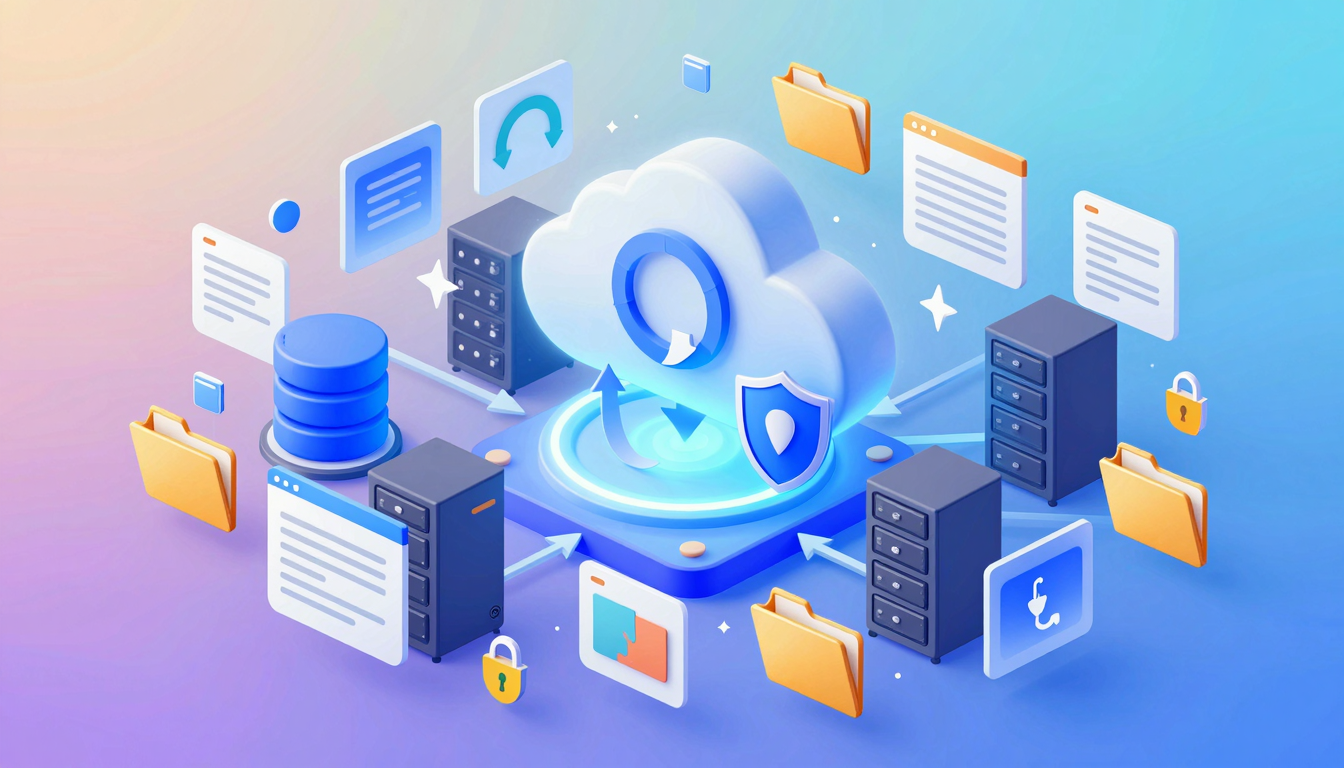
Top Cloud Storage for Automatic Backup in 2023
Discover the best cloud storage solutions for automatic backup, ensuring your data is safe and easily accessible anytime, anywhere.
What is best cloud storage for automatic backup?
Choosing the best cloud storage for automatic backup depends on your needs—whether it's seamless syncing, robust security, or affordability. Automatic backups ensure your files are always protected without manual effort, making them essential for both personal and professional use.
💡 Key Insight: The ideal service should offer real-time syncing, version history, and strong encryption to keep your data safe.
- Backblaze – Unlimited storage with effortless background backups.
- iDrive – Budget-friendly with multi-device support and hybrid backup options.
- Google Drive – Deep integration with Google Workspace and AI-powered search.
- Dropbox Smart Sync – Saves local disk space while keeping files accessible.
For businesses, solutions like Microsoft OneDrive or pCloud offer advanced collaboration tools alongside automatic backups. Free tiers are great for testing, but paid plans unlock the full potential of the best cloud storage for automatic backup.
🔒 Security First
Look for zero-knowledge encryption (e.g., Sync.com) to ensure only you can access your files.
⚡ Performance
Fast upload speeds prevent bottlenecks, especially for large backups.
Why the Best Cloud Storage for Automatic Backup Matters
In today’s digital world, losing important files—whether personal memories or critical work documents—can be devastating. That’s why choosing the best cloud storage for automatic backup is essential. Unlike manual backups, automatic solutions ensure your data is continuously protected without effort, reducing the risk of human error.
💡 Key Insight: Automatic backups eliminate the "I’ll do it later" mindset, securing your files in real-time—even if you forget.
- Peace of mind: Never worry about losing files due to hardware failure, theft, or accidents.
- Efficiency: Save time with hands-off backups that run seamlessly in the background.
- Accessibility: Retrieve your files from anywhere, on any device, with just an internet connection.
The best cloud storage for automatic backup also offers versioning, encryption, and scalable storage—features that safeguard your data while adapting to your needs. Whether you’re backing up family photos or business projects, investing in a reliable automated solution ensures your digital life stays intact, no matter what happens.
🔒 Security First
Top providers use end-to-end encryption to keep your backups private and secure.
⚡ Set & Forget
Once configured, automatic backups run silently, ensuring no file is left behind.
Key Features to Look For
Choosing the best cloud storage for automatic backup requires evaluating several critical features to ensure your data is secure, accessible, and effortlessly synced. Here’s what to prioritize:
- Automatic Backup Scheduling: Look for services that offer real-time or scheduled backups without manual intervention.
- File Versioning: The ability to restore previous versions of files is crucial for recovering from accidental edits or corruption.
- Cross-Platform Sync: Ensure the service works seamlessly across devices (Windows, macOS, iOS, Android).
- End-to-End Encryption: Protects your data from unauthorized access, even during transfers.
- Generous Storage Limits: Ample space (or scalable plans) ensures long-term backup needs are met.
💡 Key Insight: The best cloud storage for automatic backup balances affordability with robust security—don’t compromise on encryption or recovery options.
🔒 Security First
Zero-knowledge encryption ensures only you can access your backups, even if the provider’s servers are compromised.
⚡ Performance
Fast upload/download speeds prevent bottlenecks, especially for large files or frequent backups.
Finally, check for additional perks like collaboration tools, mobile app usability, and customer support responsiveness. The right service should make backup effortless while keeping your data future-proof.
How to Get Started with best cloud storage for automatic backup
Setting up automatic backups with the best cloud storage for automatic backup is easier than you think. Whether you're safeguarding personal photos or critical work files, following these steps ensures seamless protection against data loss.
- Choose the Right Provider: Compare features like storage limits, pricing, and cross-platform compatibility. Popular options include Google Drive, Dropbox, and Backblaze.
- Install the App: Download the provider’s desktop or mobile app and sign in to your account.
- Select Folders to Backup: Most services let you pick specific folders (Documents, Photos, etc.) for automatic syncing.
- Enable Automatic Backup: Toggle the auto-backup feature in settings to keep files updated in real-time.
- Set a Backup Schedule (Optional): Some tools allow scheduling backups during low-usage hours to save bandwidth.
💡 Key Insight: For maximum security, enable two-factor authentication (2FA) on your cloud storage account to prevent unauthorized access.
Once configured, your files will sync effortlessly to the cloud, giving you peace of mind. The best cloud storage for automatic backup ensures your data is always accessible—even if your device fails.
Best Practices for best cloud storage for automatic backup
Choosing the best cloud storage for automatic backup is just the first step—optimizing its use ensures your data remains secure, accessible, and efficiently managed. Follow these best practices to maximize your backup strategy.
- Enable versioning: Opt for services that retain multiple file versions, allowing you to restore older iterations if needed.
- Schedule regular backups: Automate backups during low-activity hours to minimize disruptions and ensure consistency.
- Encrypt sensitive data: Use end-to-end encryption (E2EE) or client-side encryption for added security, especially for confidential files.
- Monitor storage limits: Avoid backup failures by tracking storage usage and upgrading plans proactively.
- Test restores periodically: Verify backups by restoring files occasionally to confirm data integrity.
💡 Key Insight: The best cloud storage for automatic backup balances automation with control—prioritize solutions offering granular scheduling and encryption options.
Finally, integrate backups with other tools (like productivity apps or collaboration platforms) to streamline workflows. By adhering to these practices, you’ll ensure your data is always protected and readily available.
Frequently Asked Questions
What is the best cloud storage for automatic backup?
The best cloud storage for automatic backup depends on your needs. Popular options include Google Drive for seamless integration with Google services, Dropbox for simplicity, and Backblaze for unlimited storage. Consider factors like storage space, pricing, and compatibility with your devices.
How does automatic backup work?
Automatic backup continuously syncs your files to the cloud whenever changes are detected. Most services allow you to set preferences for which folders or files to back up, ensuring your data is always up to date without manual intervention.
Is cloud storage secure for backups?
Reputable cloud storage providers use encryption (both in transit and at rest) to protect your data. Look for services with two-factor authentication (2FA) and zero-knowledge encryption for added security. Always read the provider's privacy policy to understand their data handling practices.
Can I access my backups from multiple devices?
Yes, most cloud storage services offer apps for smartphones, tablets, and computers, allowing you to access your backups from anywhere. Ensure the service you choose supports all the devices you use regularly.
What happens if I exceed my storage limit?
If you exceed your storage limit, automatic backups may pause until you free up space or upgrade your plan. Some services notify you in advance, while others may charge overage fees. Check the provider's policy to avoid disruptions.
Conclusion
Choosing the best cloud storage for automatic backup depends on your specific needs—whether it’s seamless syncing, affordability, or advanced security. Each service we’ve reviewed offers unique strengths, from Google Drive’s seamless integration to Backblaze’s unlimited storage and pCloud’s lifetime plans.
💡 Key Insight: For hassle-free backups, prioritize services with strong automation, versioning, and cross-platform support to ensure your files are always protected.
- For personal use: Consider iCloud or Dropbox for simplicity.
- For businesses: Microsoft OneDrive or Sync.com offer robust collaboration tools.
- For budget-conscious users: MEGA’s free tier or pCloud’s one-time payment are great options.
Ultimately, the right choice balances reliability, cost, and ease of use. Test a few options with free trials to find your perfect match!
Get Started with Top Cloud Storage for Automatic Backup in 2023
Ready to take the next step? Discover the best cloud storage solutions for automatic backup, ensuring your data is safe and easily accessible anytime, anywhere.
Join thousands of users who trust fii.one for fast, private cloud storage.
Get Started Free →fii.one Team
The fii.one blog brings you guides, tips, and insights on file storage, sharing, and productivity.
← Previous
How to Send Confidential Documents Safely | Secure Tips
Next →
Secure Online Medical Records Storage: Best Practices
Related Articles

How to Search Files Across MediaFire, Mega & Google Drive in One Place
3 min read
MEGA Bandwidth Limits Explained: Transfer Quota, Caps & Fixes
7 min read
Is pCloud Lifetime Plan Worth It in 2026? The Math That Matters
5 min read

Top Temporary File Hosting Services for Fast, Secure Sharing
4 min read